How to play
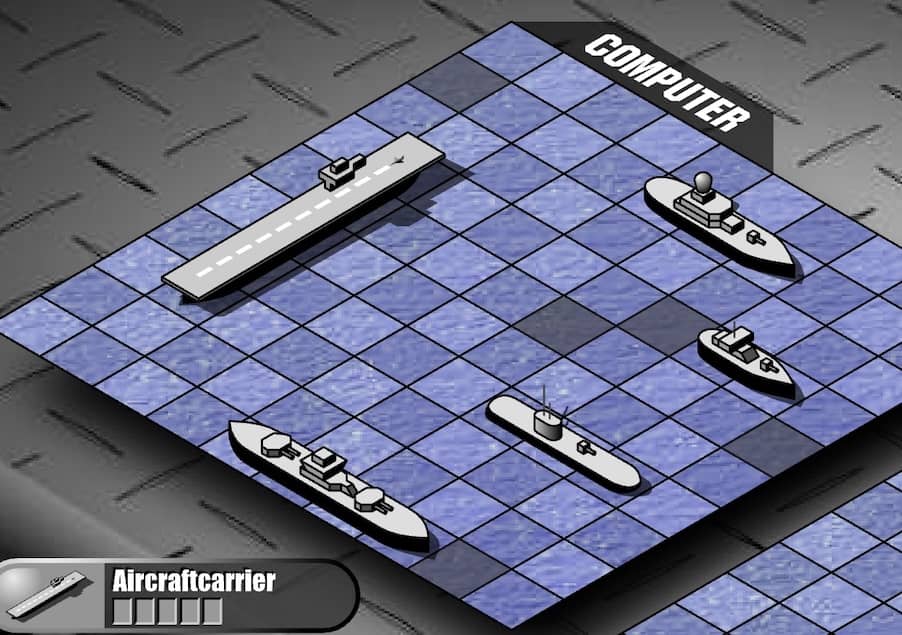
Battle Ships - General Quarters II is a turn-based strategy game where you command a fleet of ships on a grid. Your objective is to locate and destroy all of your opponent's ships before they destroy yours. On each turn, you select a coordinate on the grid to fire a shot. A hit is marked, and you continue firing until you miss, at which point the opponent takes their turn. Your ships are initially placed automatically or manually at the start, hidden from the enemy. The core gameplay loop involves deduction and probability, using the feedback from your hits and misses to narrow down the possible locations of the remaining enemy vessels. Early in the game, focus on firing shots in a spread-out pattern to efficiently scout the board. Once you score a hit, concentrate your subsequent shots in the adjacent horizontal and vertical cells to sink the entire ship. The challenge escalates as the number of ships dwindles and the grid becomes more sparse, requiring careful tracking of which ship sizes remain. In tense moments, prioritize targeting areas where larger ships could still fit. A key beginner strategy is to avoid predictable firing patterns that the AI might exploit.
Information
Play Battle Ships - General Quarters II Online - FLASH FAQ
Can I play Battle Ships - General Quarters II online for free?
Yes. You can play Battle Ships - General Quarters II online for free in your browser on GGEMU, with no download required.
Can I play Battle Ships - General Quarters II on mobile?
Yes. You can play Battle Ships - General Quarters II on mobile devices and desktop browsers through GGEMU.
Can I save my progress in Battle Ships - General Quarters II?
Battle Ships - General Quarters II does not currently support GGEMU save states. If the game includes its own save feature, you can use that instead.
Do I need an emulator or special hardware to play Battle Ships - General Quarters II?
No. Battle Ships - General Quarters II runs directly in your browser on GGEMU, with no extra hardware or software required.
Can I play Battle Ships - General Quarters II in fullscreen mode?
Yes. Battle Ships - General Quarters II supports fullscreen mode on GGEMU for a more immersive experience.
Can I play Battle Ships - General Quarters II with a gamepad or controller?
Yes. Battle Ships - General Quarters II supports gamepad controls on GGEMU when a compatible controller is connected.