How to play
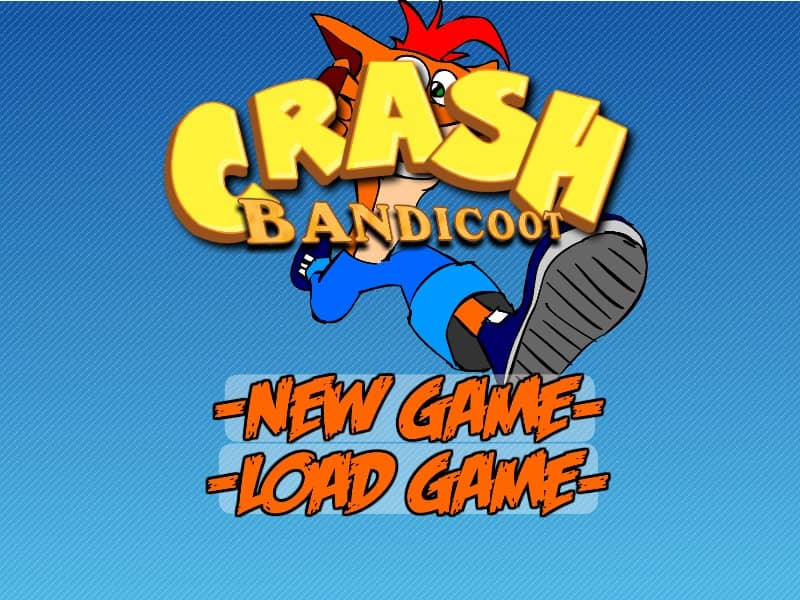
Control Crash Bandicoot as he runs, jumps, and spins through various side-scrolling jungle stages. The primary objective is to reach the end of each level safely while collecting Wumpa fruit and breaking wooden crates. Use the arrow keys to navigate left and right, and press the spacebar to jump over pits, spikes, and incoming hazards. Defeat enemies by using Crash's signature spin attack, typically mapped to the X or Control key, or by jumping directly onto their heads. Collect Aku Aku masks to gain temporary protection from damage, and gather one hundred Wumpa fruit to earn an extra life. Watch out for red TNT and green Nitro crates, which must be avoided or detonated carefully to prevent instant death.
Information
Play Crash Bandicoot Online - FLASH FAQ
Can I play Crash Bandicoot online for free?
Yes. You can play Crash Bandicoot online for free in your browser on GGEMU, with no download required.
Can I play Crash Bandicoot on mobile?
Yes. You can play Crash Bandicoot on mobile devices and desktop browsers through GGEMU.
Can I save my progress in Crash Bandicoot?
Crash Bandicoot does not currently support GGEMU save states. If the game includes its own save feature, you can use that instead.
Do I need an emulator or special hardware to play Crash Bandicoot?
No. Crash Bandicoot runs directly in your browser on GGEMU, with no extra hardware or software required.
Can I play Crash Bandicoot in fullscreen mode?
Yes. Crash Bandicoot supports fullscreen mode on GGEMU for a more immersive experience.
Can I play Crash Bandicoot with a gamepad or controller?
Yes. Crash Bandicoot supports gamepad controls on GGEMU when a compatible controller is connected.