플레이 방법
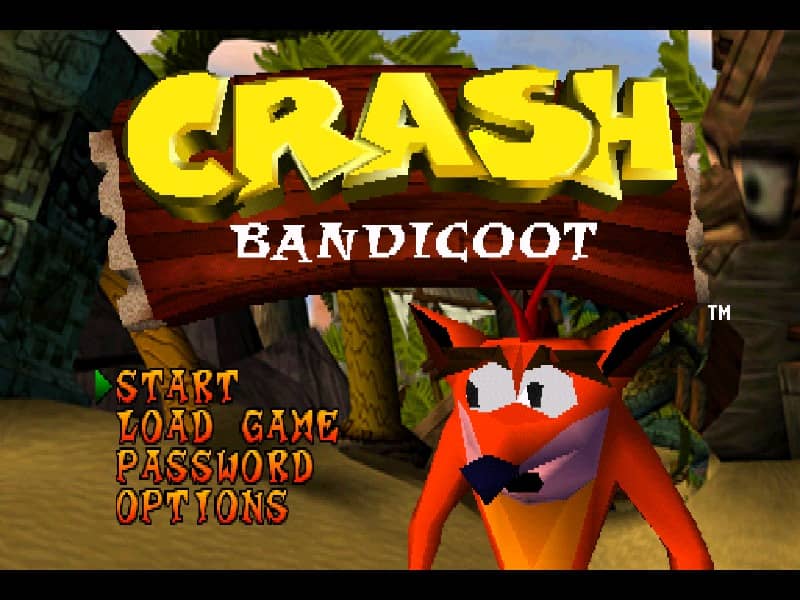
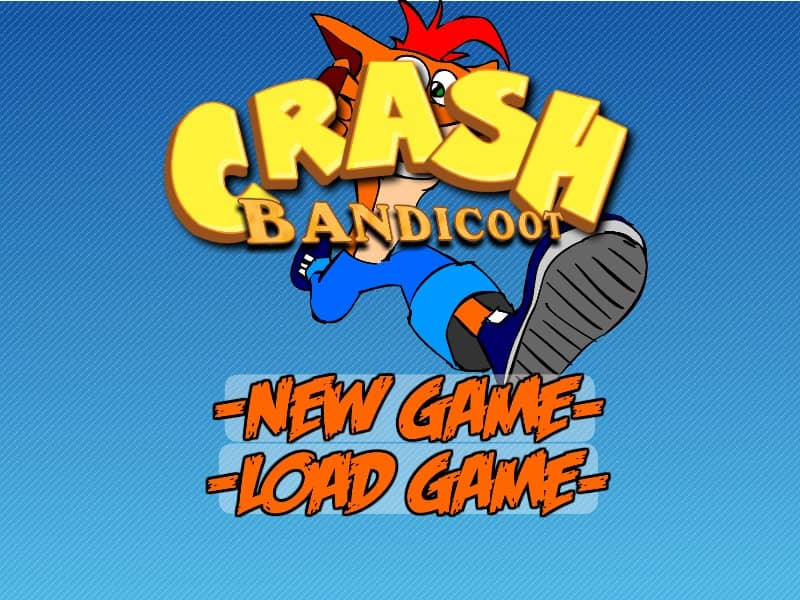
Control Crash Bandicoot as he runs, jumps, and spins through various side-scrolling jungle stages. The primary objective is to reach the end of each level safely while collecting Wumpa fruit and breaking wooden crates. Use the arrow keys to navigate left and right, and press the spacebar to jump over pits, spikes, and incoming hazards. Defeat enemies by using Crash's signature spin attack, typically mapped to the X or Control key, or by jumping directly onto their heads. Collect Aku Aku masks to gain temporary protection from damage, and gather one hundred Wumpa fruit to earn an extra life. Watch out for red TNT and green Nitro crates, which must be avoided or detonated carefully to prevent instant death.
게임 정보
Crash Bandicoot 온라인 플레이 - FLASH 버전 자주 묻는 질문
Crash Bandicoot을 무료로 온라인 플레이할 수 있나요?
네. 별도의 다운로드 없이 GGEMU 브라우저에서 Crash Bandicoot을 무료로 온라인 플레이할 수 있습니다.
Crash Bandicoot을 모바일에서 플레이할 수 있나요?
네. GGEMU를 통해 모바일 기기와 데스크톱 브라우저에서 모두 Crash Bandicoot을 플레이할 수 있습니다.
Crash Bandicoot의 진행 상황을 저장할 수 있나요?
Crash Bandicoot은 현재 GGEMU 세이브 스테이트를 지원하지 않습니다. 게임에 자체 저장 기능이 있다면 해당 기능을 이용해 주세요.
Crash Bandicoot을 플레이하려면 에뮬레이터나 전용 하드웨어가 필요한가요?
아니요. Crash Bandicoot은 GGEMU 브라우저에서 바로 실행되므로 추가 하드웨어나 소프트웨어가 필요하지 않습니다.
Crash Bandicoot을 전체 화면으로 플레이할 수 있나요?
네. Crash Bandicoot은 GGEMU의 전체 화면 모드를 지원해 더욱 몰입감 있게 즐길 수 있습니다.
Crash Bandicoot을 게임패드나 컨트롤러로 플레이할 수 있나요?
네. 호환되는 컨트롤러를 연결하면 GGEMU에서 게임패드로 Crash Bandicoot을 플레이할 수 있습니다.