How to play
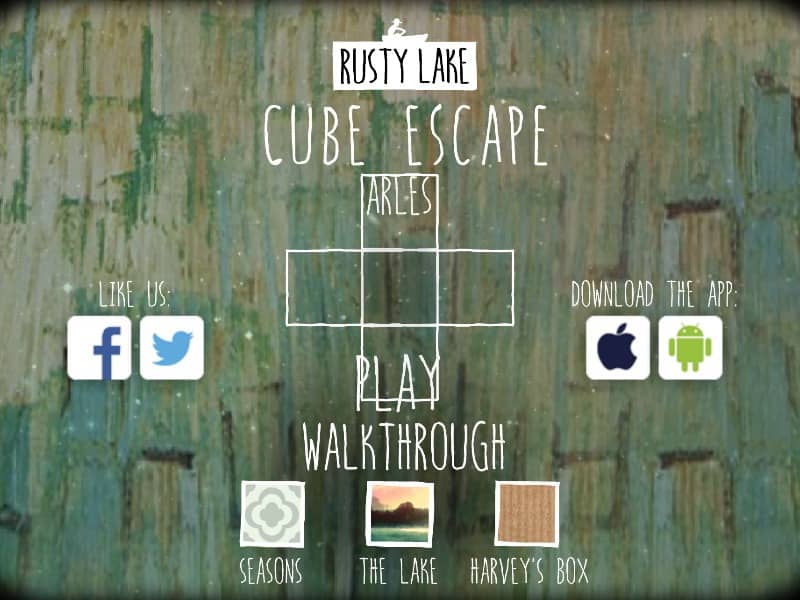
In Cube Escape: Arles, you navigate a stylized version of Vincent van Gogh's bedroom using a point-and-click interface. Your primary objective is to find a way out by interacting with the environment and solving a series of logic-based and abstract puzzles. You can move between the four walls of the room by clicking the navigation arrows at the edges of the screen. To progress, you must click on objects to inspect them, pick up items to add to your inventory, and then select those items to use them on specific parts of the scenery. The game requires careful observation of details within the paintings and sketches found throughout the room. Beginners should focus on collecting all visible items first, such as brushes, liquids, and painting fragments. As the game progresses, the puzzles become more surreal and require you to think metaphorically about the artist's life and work. Strategy involves looking for patterns, numbers, and color-coded clues hidden in the artwork. Pay close attention to the mirror and the portraits, as they often trigger the transitions between the early investigative phase and the more intense, surreal sequences. Success depends on your ability to connect seemingly unrelated objects to complete the final painting and reveal the exit.
Information
Play Cube Escape: Arles Online - FLASH FAQ
Can I play Cube Escape: Arles online for free?
Yes. You can play Cube Escape: Arles online for free in your browser on GGEMU, with no download required.
Can I play Cube Escape: Arles on mobile?
Yes. You can play Cube Escape: Arles on mobile devices and desktop browsers through GGEMU.
Can I save my progress in Cube Escape: Arles?
Cube Escape: Arles does not currently support GGEMU save states. If the game includes its own save feature, you can use that instead.
Do I need an emulator or special hardware to play Cube Escape: Arles?
No. Cube Escape: Arles runs directly in your browser on GGEMU, with no extra hardware or software required.
Can I play Cube Escape: Arles in fullscreen mode?
Yes. Cube Escape: Arles supports fullscreen mode on GGEMU for a more immersive experience.
Can I play Cube Escape: Arles with a gamepad or controller?
Yes. Cube Escape: Arles supports gamepad controls on GGEMU when a compatible controller is connected.