How to play
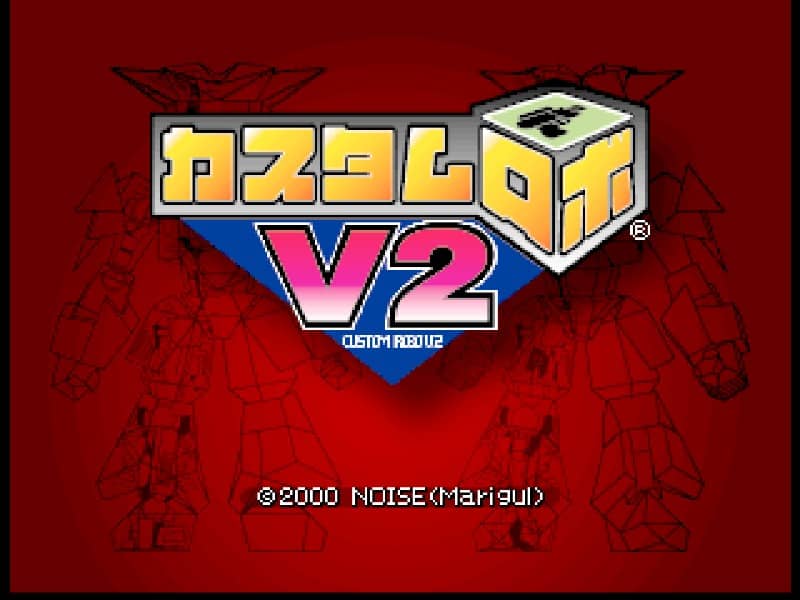
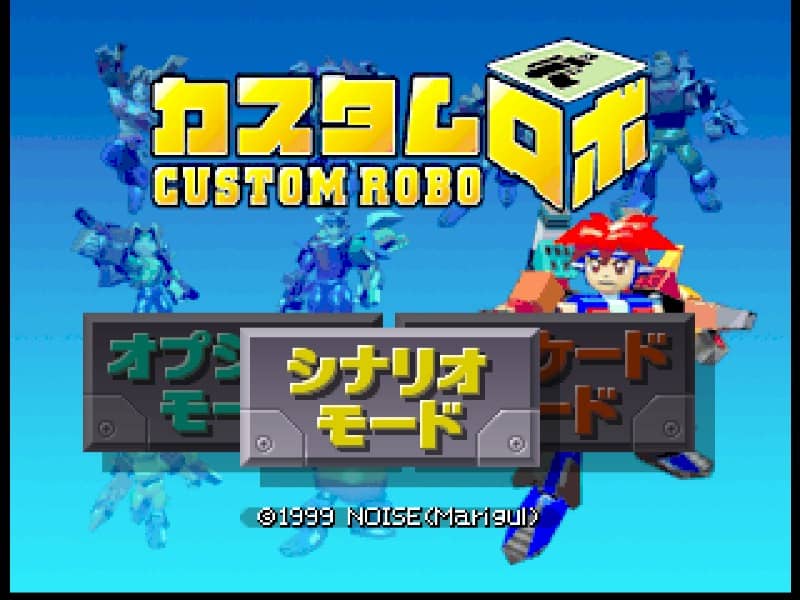
In Custom Robo, players control miniature customizable robots in fast-paced, three-dimensional arena battles called holoseums. The primary objective is to deplete the opponent's health bar using a combination of weapons and physical attacks. Before each match, you customize your robo's body, gun, bomb, pod, and legs to suit your playstyle. Once in the arena, movement is key; you must utilize dashes and jumps to dodge incoming fire while positioning yourself for an attack. Success relies on managing your weapon cooldowns and understanding the arena layout. Fire your primary gun for direct damage, launch bombs to flush enemies out of cover, and deploy tracking pods to restrict their movement. If an opponent is knocked down, prepare for their recovery phase, as they are temporarily invulnerable. A solid beginner strategy is to balance long-range harassing shots with sudden dash attacks to catch opponents off guard, keeping a close eye on your robo's heat levels and movement limits.
Information
Play Custom Robo Online - Nintendo 64 FAQ
Can I play Custom Robo online for free?
Yes. You can play Custom Robo online for free in your browser on GGEMU, with no download required.
Can I play Custom Robo on mobile?
Yes. You can play Custom Robo on mobile devices and desktop browsers through GGEMU.
Can I save my progress in Custom Robo?
Yes. Custom Robo supports local save states on GGEMU. Cloud saves are also available to GGEMU Premium members.
Do I need an emulator or special hardware to play Custom Robo?
No. GGEMU runs Custom Robo in your browser, so you do not need original Nintendo 64 hardware or a separate emulator.
Can I play Custom Robo in fullscreen mode?
Yes. Custom Robo supports fullscreen mode on GGEMU for a more immersive experience.
Can I play Custom Robo with a gamepad or controller?
Yes. Custom Robo supports gamepad controls on GGEMU when a compatible controller is connected.