How to play
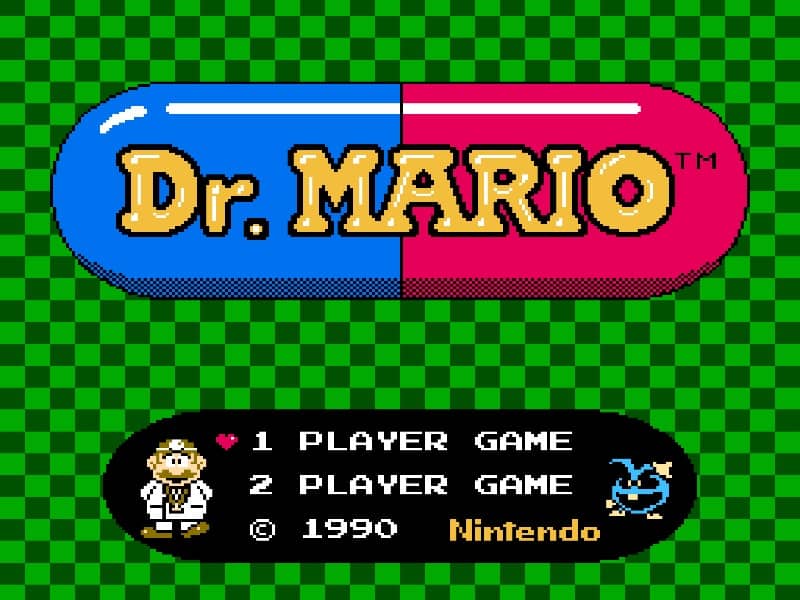
In Dr. Mario, your goal is to clear the bottle of all viruses by matching them with vitamins of the same color. You control Dr. Mario, who throws two-colored vitamins from the top of the screen. You can rotate the vitamins as they fall to align them with viruses below. To eliminate viruses, you must match at least four segments of the same color in a row, either horizontally or vertically. This can include both vitamins and viruses. The vitamins will continue to fall and stack, so plan your placements carefully to create chain reactions and clear multiple viruses at once. Focus on clearing viruses from the bottom up to prevent the bottle from filling up too quickly. As you progress, the viruses start in more complex patterns and the vitamins fall faster, increasing the challenge. In tense moments, try to keep the playing field as low as possible and look for opportunities to set up large combos.
Information
Play Dr. Mario Online - Famicom FAQ
Can I play Dr. Mario online for free?
Yes. You can play Dr. Mario online for free in your browser on GGEMU, with no download required.
Can I play Dr. Mario on mobile?
Yes. You can play Dr. Mario on mobile devices and desktop browsers through GGEMU.
Can I save my progress in Dr. Mario?
Yes. Dr. Mario supports local save states on GGEMU. Cloud saves are also available to GGEMU Premium members.
Do I need an emulator or special hardware to play Dr. Mario?
No. GGEMU runs Dr. Mario in your browser, so you do not need original Famicom hardware or a separate emulator.
Can I play Dr. Mario in fullscreen mode?
Yes. Dr. Mario supports fullscreen mode on GGEMU for a more immersive experience.
Can I play Dr. Mario with a gamepad or controller?
Yes. Dr. Mario supports gamepad controls on GGEMU when a compatible controller is connected.