How to play
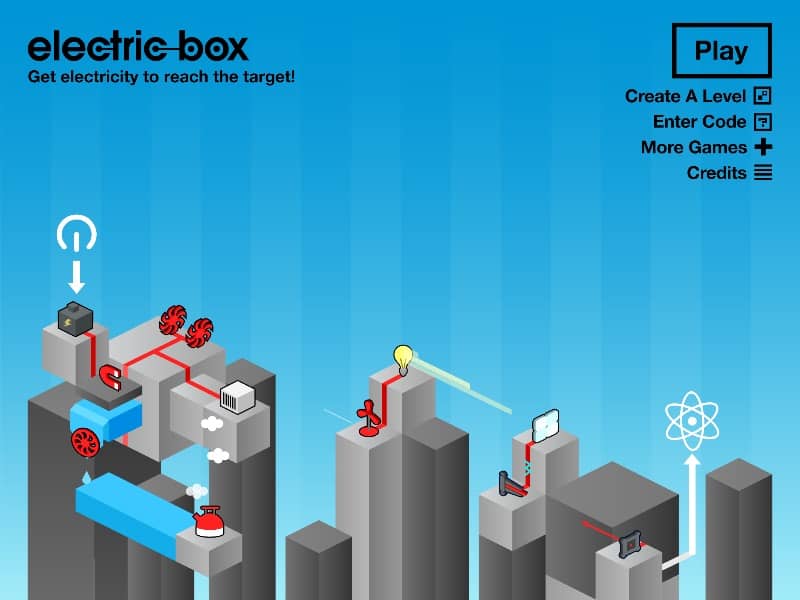
Your goal is to connect the power source to the light bulb by strategically placing and rotating various electrical components like wires, batteries, gears, and motors onto the game board. You start each level with a limited set of parts in your inventory. Drag components from the side panel onto the grid, connecting them to form a continuous path for the electrical current. Pay close attention to the direction of components like diodes, which only allow current to flow one way, and gears, which can transfer energy mechanically. Early on, focus on creating the simplest possible path from start to finish. As you progress, levels introduce more complex obstacles and require creative combinations of parts, such as using a motor to spin a gear that activates a switch. In tense moments, carefully check all connections for breaks or misaligned directions before hitting the power switch to test your circuit.
Information
Play Electric Box Online - FLASH FAQ
Can I play Electric Box online for free?
Yes. You can play Electric Box online for free in your browser on GGEMU, with no download required.
Can I play Electric Box on mobile?
Yes. You can play Electric Box on mobile devices and desktop browsers through GGEMU.
Can I save my progress in Electric Box?
Electric Box does not currently support GGEMU save states. If the game includes its own save feature, you can use that instead.
Do I need an emulator or special hardware to play Electric Box?
No. Electric Box runs directly in your browser on GGEMU, with no extra hardware or software required.
Can I play Electric Box in fullscreen mode?
Yes. Electric Box supports fullscreen mode on GGEMU for a more immersive experience.
Can I play Electric Box with a gamepad or controller?
Yes. Electric Box supports gamepad controls on GGEMU when a compatible controller is connected.