How to play
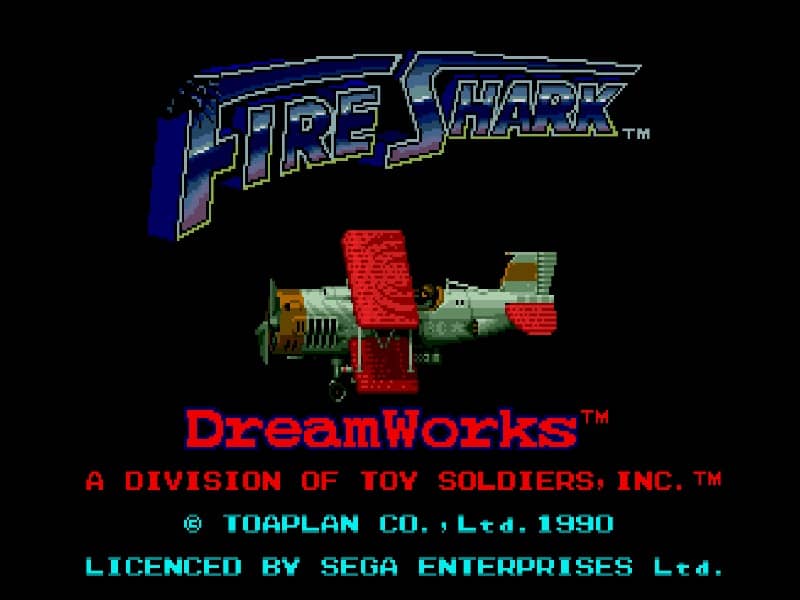
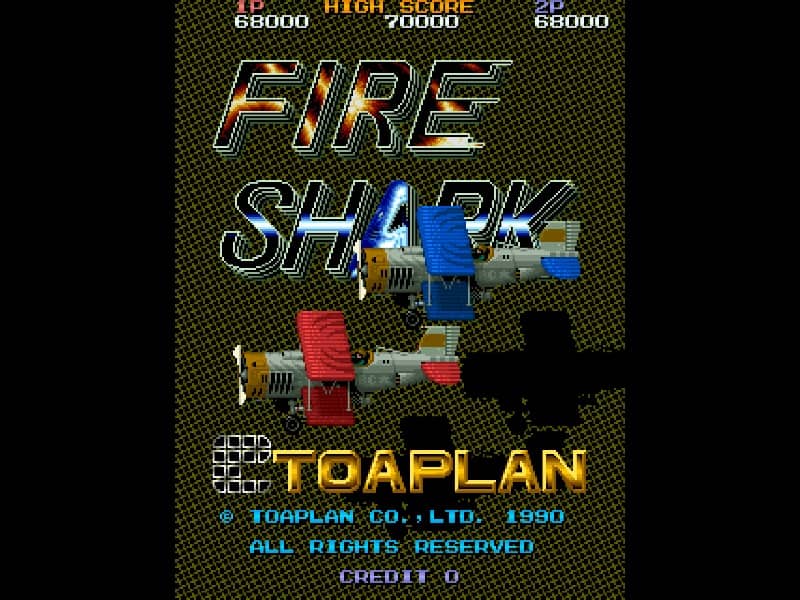
Players pilot a powerful biplane across vertically scrolling stages, battling enemy tanks, battleships, and aircraft. The primary controls consist of an eight-way joystick for movement, a shoot button for the primary weapon, and a bomb button to release a devastating, screen-clearing explosion that also grants brief invincibility. Collect colored power-up items to switch and upgrade weapons: the wide-spreading blue shot, the powerful green laser, or the sweeping red flamethrower. Grabbing speed icons increases maneuverability, while extra bomb items replenish your defensive options. Focus on destroying enemy formations quickly to prevent getting overwhelmed, and save bombs for tight situations or boss encounters.
Information
Play Fire Shark Online - Arcade FAQ
Can I play Fire Shark online for free?
Yes. You can play Fire Shark online for free in your browser on GGEMU, with no download required.
Can I play Fire Shark on mobile?
Yes. You can play Fire Shark on mobile devices and desktop browsers through GGEMU.
Can I save my progress in Fire Shark?
Yes. Fire Shark supports local save states on GGEMU. Cloud saves are also available to GGEMU Premium members.
Do I need an emulator or special hardware to play Fire Shark?
No. GGEMU runs Fire Shark in your browser, so you do not need original Arcade hardware or a separate emulator.
Can I play Fire Shark in fullscreen mode?
Yes. Fire Shark supports fullscreen mode on GGEMU for a more immersive experience.
Can I play Fire Shark with a gamepad or controller?
Yes. Fire Shark supports gamepad controls on GGEMU when a compatible controller is connected.