플레이 방법
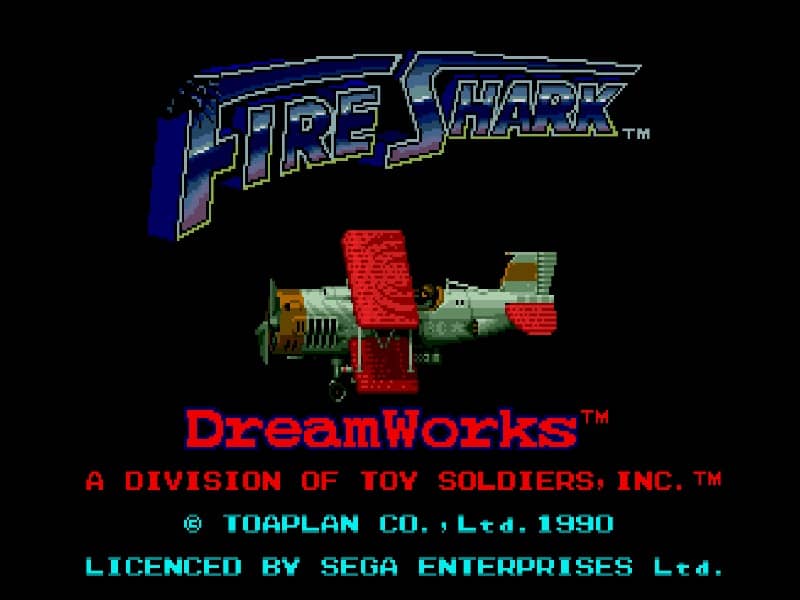
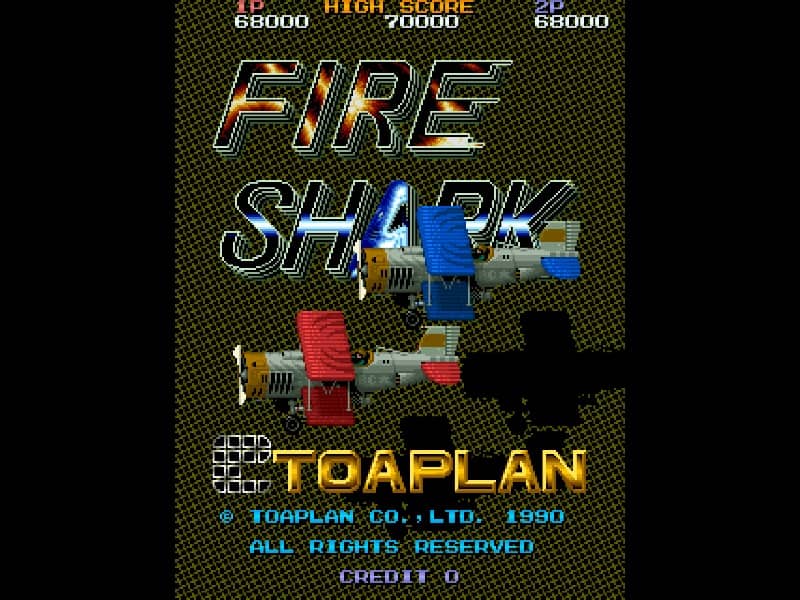
Players pilot a powerful biplane across vertically scrolling stages, battling enemy tanks, battleships, and aircraft. The primary controls consist of an eight-way joystick for movement, a shoot button for the primary weapon, and a bomb button to release a devastating, screen-clearing explosion that also grants brief invincibility. Collect colored power-up items to switch and upgrade weapons: the wide-spreading blue shot, the powerful green laser, or the sweeping red flamethrower. Grabbing speed icons increases maneuverability, while extra bomb items replenish your defensive options. Focus on destroying enemy formations quickly to prevent getting overwhelmed, and save bombs for tight situations or boss encounters.
게임 정보
Fire Shark 온라인 플레이 - Arcade 버전 자주 묻는 질문
Fire Shark을 무료로 온라인 플레이할 수 있나요?
네. 별도의 다운로드 없이 GGEMU 브라우저에서 Fire Shark을 무료로 온라인 플레이할 수 있습니다.
Fire Shark을 모바일에서 플레이할 수 있나요?
네. GGEMU를 통해 모바일 기기와 데스크톱 브라우저에서 모두 Fire Shark을 플레이할 수 있습니다.
Fire Shark의 진행 상황을 저장할 수 있나요?
네. Fire Shark은 GGEMU의 로컬 세이브 스테이트를 지원합니다. GGEMU Premium 회원은 클라우드 저장도 이용할 수 있습니다.
Fire Shark을 플레이하려면 에뮬레이터나 전용 하드웨어가 필요한가요?
아니요. GGEMU가 브라우저에서 Fire Shark을 실행하므로 Arcade 실기나 별도의 에뮬레이터가 필요하지 않습니다.
Fire Shark을 전체 화면으로 플레이할 수 있나요?
네. Fire Shark은 GGEMU의 전체 화면 모드를 지원해 더욱 몰입감 있게 즐길 수 있습니다.
Fire Shark을 게임패드나 컨트롤러로 플레이할 수 있나요?
네. 호환되는 컨트롤러를 연결하면 GGEMU에서 게임패드로 Fire Shark을 플레이할 수 있습니다.