How to play
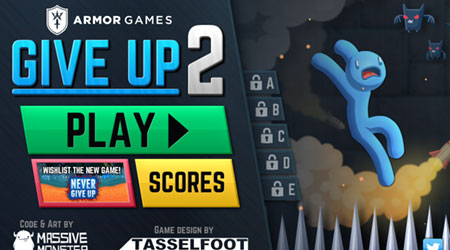
In Give Up 2, your objective is to guide your character through increasingly difficult platforming levels filled with spikes, lasers, and other instant-death obstacles. The game is played with simple keyboard controls - typically arrow keys for movement and sometimes a jump or action key. Each level requires precise timing and careful observation of obstacle patterns to progress. As a beginner, focus on learning the rhythm of moving platforms and timing your jumps carefully rather than rushing. The challenge escalates quickly, with later levels requiring pixel-perfect precision and memorization of complex trap sequences. During tense moments, patience is key - wait for safe openings rather than attempting risky maneuvers. The game autosaves your progress after each completed level, allowing you to retry difficult sections repeatedly until you master the required movements.
Information
Play Give Up 2 Online - FLASH FAQ
Can I play Give Up 2 online for free?
Yes. You can play Give Up 2 online for free in your browser on GGEMU, with no download required.
Can I play Give Up 2 on mobile?
Give Up 2 is currently optimized for desktop browsers and is not available on mobile devices.
Can I save my progress in Give Up 2?
Give Up 2 does not currently support GGEMU save states. If the game includes its own save feature, you can use that instead.
Do I need an emulator or special hardware to play Give Up 2?
No. Give Up 2 runs directly in your browser on GGEMU, with no extra hardware or software required.
Can I play Give Up 2 in fullscreen mode?
Yes. Give Up 2 supports fullscreen mode on GGEMU for a more immersive experience.
Can I play Give Up 2 with a gamepad or controller?
Yes. Give Up 2 supports gamepad controls on GGEMU when a compatible controller is connected.