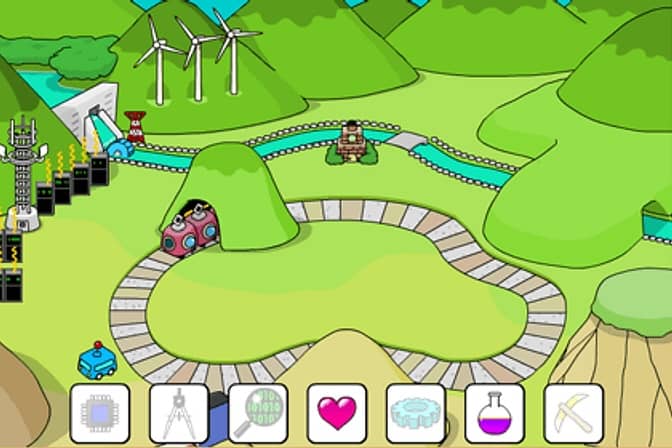
How to play
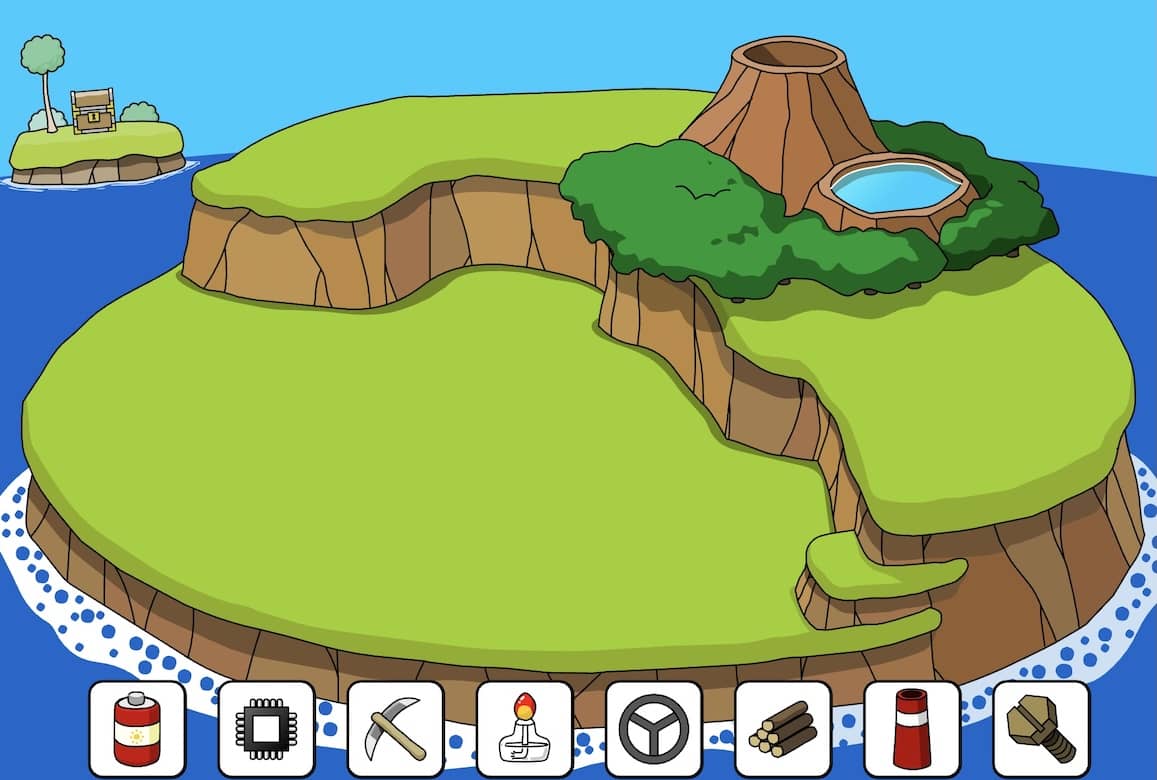
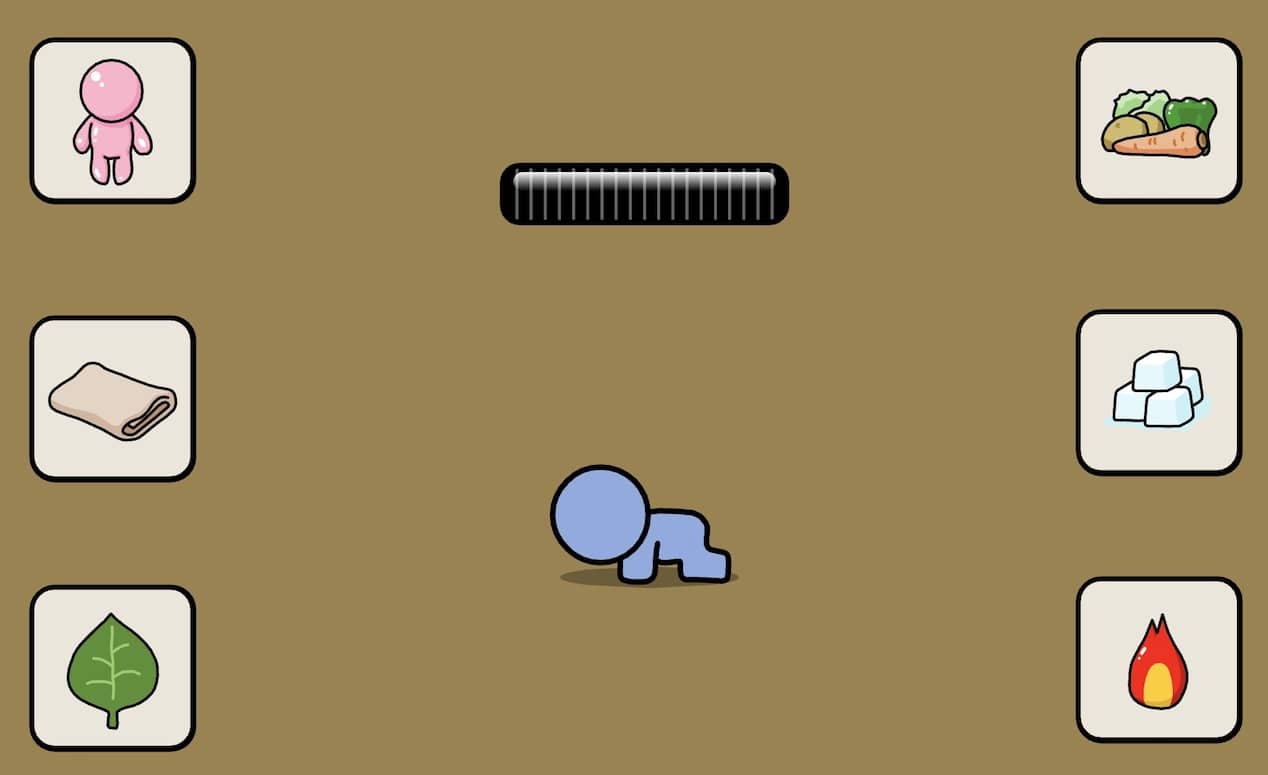
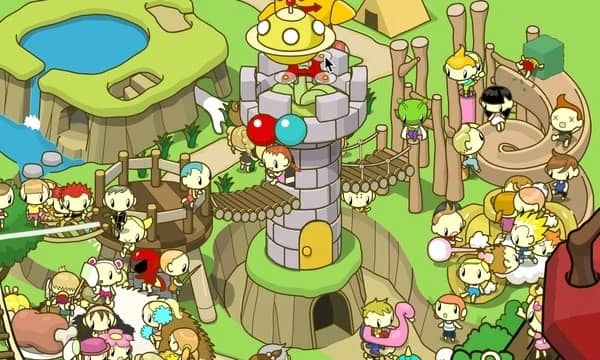
Your goal in Grow Valley is to develop a small plot of land into a thriving community. You begin with a barren landscape and a few basic resources. The core gameplay involves selecting items from a menu—such as houses, roads, trees, and water sources—and placing them on the grid in a specific sequence. Each item you place causes other elements on the map to evolve or change state. The key to success is figuring out the correct order of placement; a wrong choice may cause some items to grow while others remain underdeveloped, forcing you to restart the puzzle. The challenge is entirely logic-based, requiring you to think ahead about how each action will trigger a chain reaction. Focus first on experimenting with a few items to understand their effects, then plan a sequence that allows all elements to reach their final, fully-grown form. The game is turn-based and non-time-limited, so careful planning is more important than quick reactions.
Information
Play Grow Valley Online - FLASH FAQ
Can I play Grow Valley online for free?
Yes. You can play Grow Valley online for free in your browser on GGEMU, with no download required.
Can I play Grow Valley on mobile?
Yes. You can play Grow Valley on mobile devices and desktop browsers through GGEMU.
Can I save my progress in Grow Valley?
Grow Valley does not currently support GGEMU save states. If the game includes its own save feature, you can use that instead.
Do I need an emulator or special hardware to play Grow Valley?
No. Grow Valley runs directly in your browser on GGEMU, with no extra hardware or software required.
Can I play Grow Valley in fullscreen mode?
Yes. Grow Valley supports fullscreen mode on GGEMU for a more immersive experience.
Can I play Grow Valley with a gamepad or controller?
Yes. Grow Valley supports gamepad controls on GGEMU when a compatible controller is connected.