Comment jouer
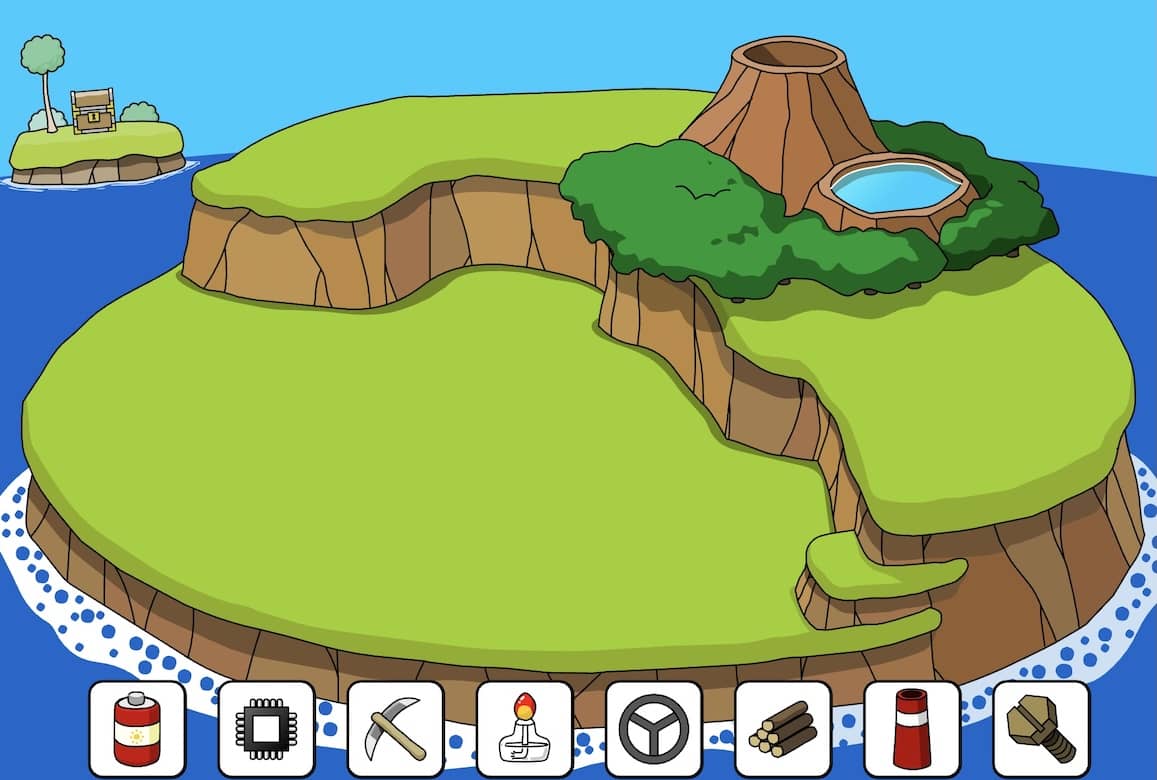
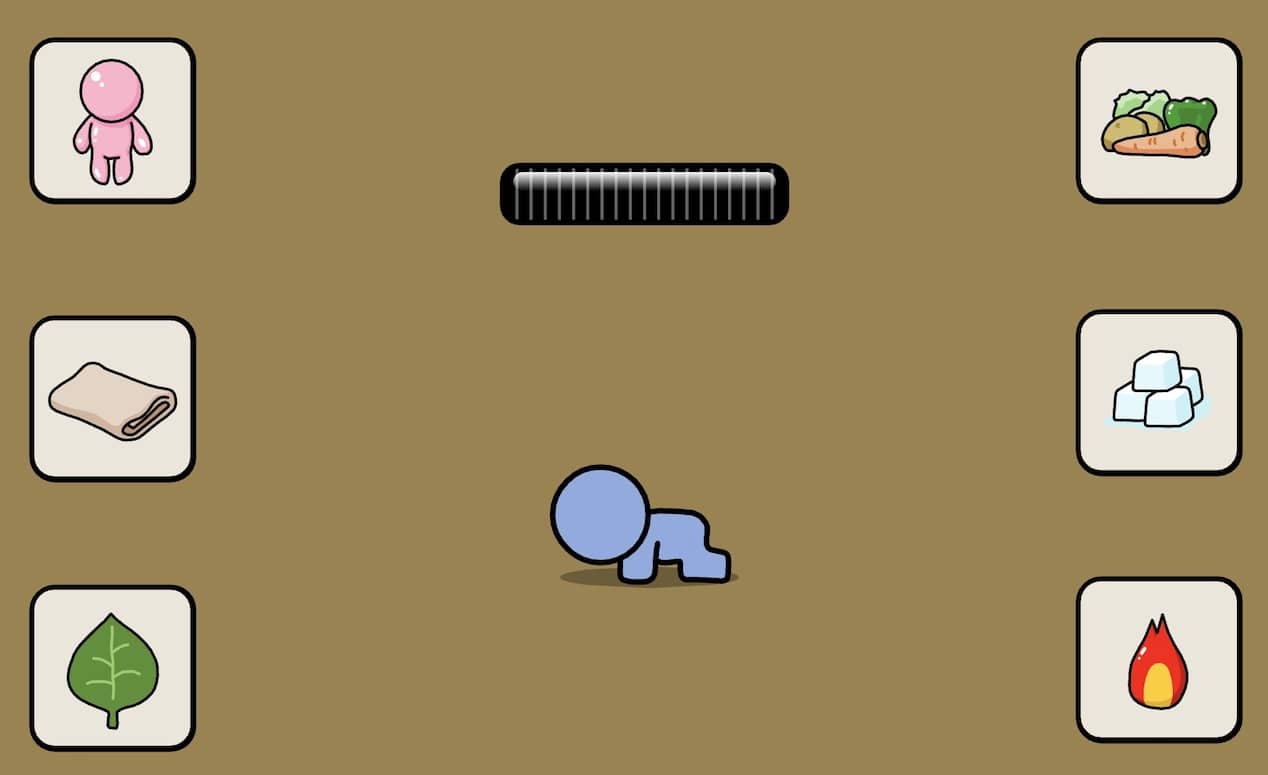
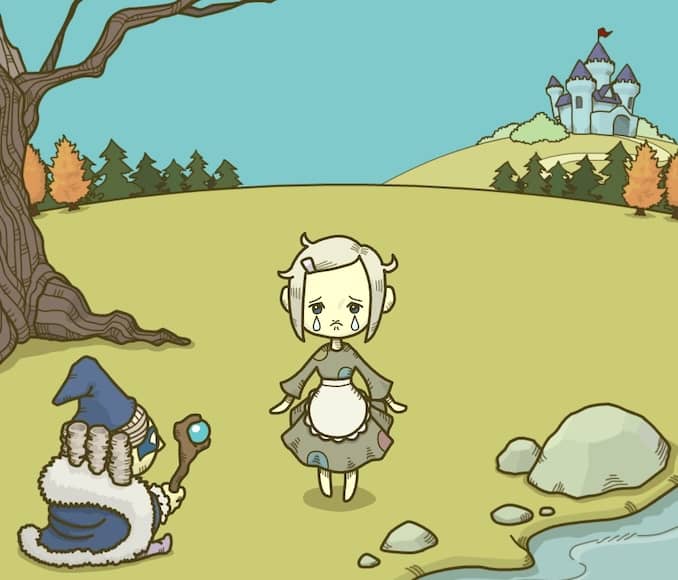
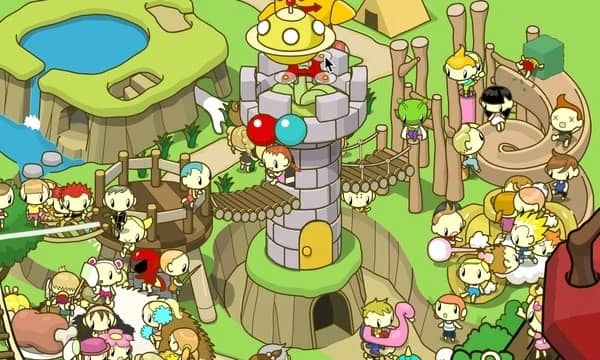
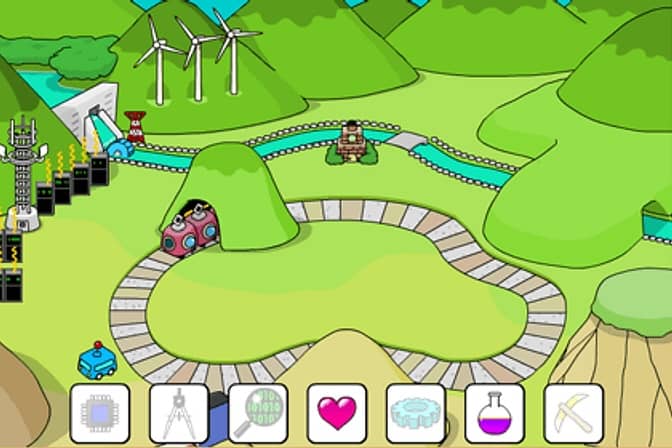
Your goal in Grow Valley is to develop a small plot of land into a thriving community. You begin with a barren landscape and a few basic resources. The core gameplay involves selecting items from a menu—such as houses, roads, trees, and water sources—and placing them on the grid in a specific sequence. Each item you place causes other elements on the map to evolve or change state. The key to success is figuring out the correct order of placement; a wrong choice may cause some items to grow while others remain underdeveloped, forcing you to restart the puzzle. The challenge is entirely logic-based, requiring you to think ahead about how each action will trigger a chain reaction. Focus first on experimenting with a few items to understand their effects, then plan a sequence that allows all elements to reach their final, fully-grown form. The game is turn-based and non-time-limited, so careful planning is more important than quick reactions.
Informations sur le jeu
Jouer à Grow Valley en ligne – FAQ FLASH
Puis-je jouer gratuitement à Grow Valley en ligne ?
Oui. Vous pouvez jouer gratuitement à Grow Valley en ligne dans votre navigateur sur GGEMU, sans téléchargement.
Puis-je jouer à Grow Valley sur mobile ?
Oui. Vous pouvez jouer à Grow Valley avec GGEMU sur mobile comme dans un navigateur sur ordinateur.
Puis-je sauvegarder ma progression dans Grow Valley ?
Grow Valley ne prend pas encore en charge les sauvegardes instantanées de GGEMU. Si le jeu possède sa propre fonction de sauvegarde, vous pouvez l'utiliser.
Faut-il un émulateur ou du matériel spécial pour jouer à Grow Valley ?
Non. Grow Valley fonctionne directement dans votre navigateur sur GGEMU, sans matériel ni logiciel supplémentaire.
Puis-je jouer à Grow Valley en plein écran ?
Oui. Grow Valley prend en charge le mode plein écran sur GGEMU pour une expérience plus immersive.
Puis-je jouer à Grow Valley avec une manette ?
Oui. Vous pouvez jouer à Grow Valley avec une manette sur GGEMU lorsqu'un modèle compatible est connecté.