Uploaded by 大帅
How to play
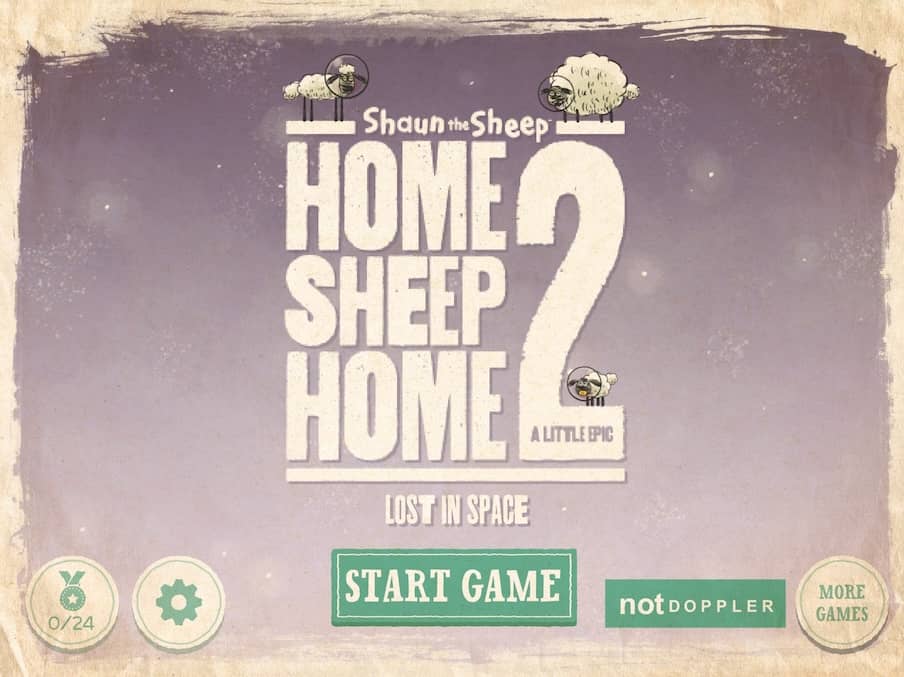
Guide the three sheep—Shaun, Shirley, and Timmy—through each alien-themed level to reach the exit portal. Switch between sheep by clicking or tapping on them; each has a unique ability: Shaun can jump and push objects, Shirley can inflate to float or become a heavy ball, and Timmy can fit through small gaps. Use the arrow keys or on-screen buttons to move the active sheep left and right, and press the up arrow or jump button to jump. Interact with objects by walking into them or pressing the action button when prompted. Your goal is to use teamwork and the environment to overcome obstacles and get all sheep to the exit safely.
Information
Play Home Sheep Home 2: Lost in Space Online - FLASH FAQ
Can I play Home Sheep Home 2: Lost in Space online for free?
Yes. You can play Home Sheep Home 2: Lost in Space online for free in your browser on GGEMU, with no download required.
Can I play Home Sheep Home 2: Lost in Space on mobile?
Yes. You can play Home Sheep Home 2: Lost in Space on mobile devices and desktop browsers through GGEMU.
Can I save my progress in Home Sheep Home 2: Lost in Space?
Home Sheep Home 2: Lost in Space does not currently support GGEMU save states. If the game includes its own save feature, you can use that instead.
Do I need an emulator or special hardware to play Home Sheep Home 2: Lost in Space?
No. Home Sheep Home 2: Lost in Space runs directly in your browser on GGEMU, with no extra hardware or software required.
Can I play Home Sheep Home 2: Lost in Space in fullscreen mode?
Yes. Home Sheep Home 2: Lost in Space supports fullscreen mode on GGEMU for a more immersive experience.
Can I play Home Sheep Home 2: Lost in Space with a gamepad or controller?
Yes. Home Sheep Home 2: Lost in Space supports gamepad controls on GGEMU when a compatible controller is connected.