How to play
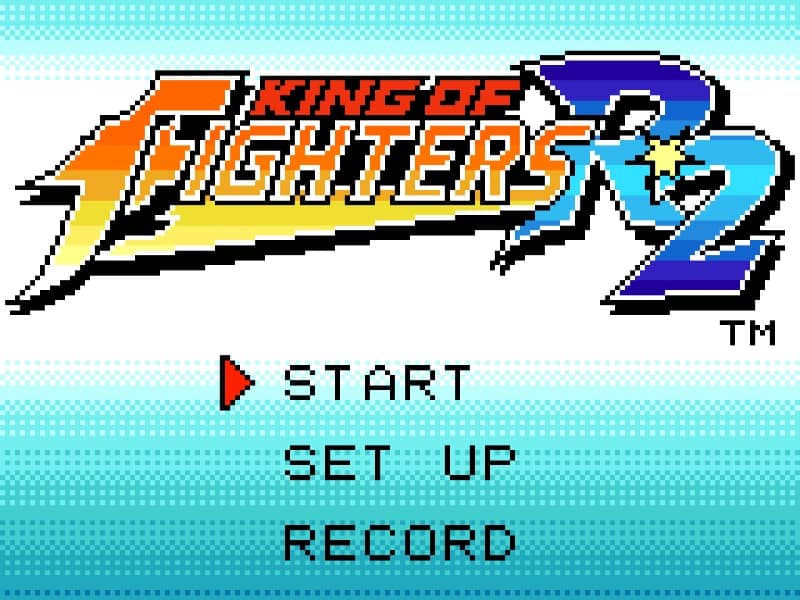
The objective is to defeat your opponent in one-on-one fighting matches. You control a character from a top-down perspective, using the directional pad to move and a few action buttons to perform basic attacks, special moves, and super moves. The core gameplay loop involves reading your opponent's movements, blocking incoming attacks, and creating openings to land your own combos. A key beginner strategy is to master a character's basic special moves, which are executed with simple directional inputs combined with an attack button, as the NGPC control scheme is streamlined compared to arcade versions. Focus on learning the reach of your normal attacks and a reliable anti-air move to control space. In the early moments of a match, focus on poking and building meter by landing hits. During the middle of the fight, use your super meter to unleash powerful super moves when you have a clear shot. In tense, final-round situations, play more defensively, wait for your opponent to make a mistake, and punish accordingly.
Information
Play King of Fighters R2 Online - Neo Geo Pocket Color FAQ
Can I play King of Fighters R2 online for free?
Yes. You can play King of Fighters R2 online for free in your browser on GGEMU, with no download required.
Can I play King of Fighters R2 on mobile?
Yes. You can play King of Fighters R2 on mobile devices and desktop browsers through GGEMU.
Can I save my progress in King of Fighters R2?
Yes. King of Fighters R2 supports local save states on GGEMU. Cloud saves are also available to GGEMU Premium members.
Do I need an emulator or special hardware to play King of Fighters R2?
No. GGEMU runs King of Fighters R2 in your browser, so you do not need original Neo Geo Pocket Color hardware or a separate emulator.
Can I play King of Fighters R2 in fullscreen mode?
Yes. King of Fighters R2 supports fullscreen mode on GGEMU for a more immersive experience.
Can I play King of Fighters R2 with a gamepad or controller?
Yes. King of Fighters R2 supports gamepad controls on GGEMU when a compatible controller is connected.