Kodingergoy
A colorful HTML5 puzzle game for kids where players help a friendly creature navigate through coding-inspired challenges by arranging logical sequences.
How to play
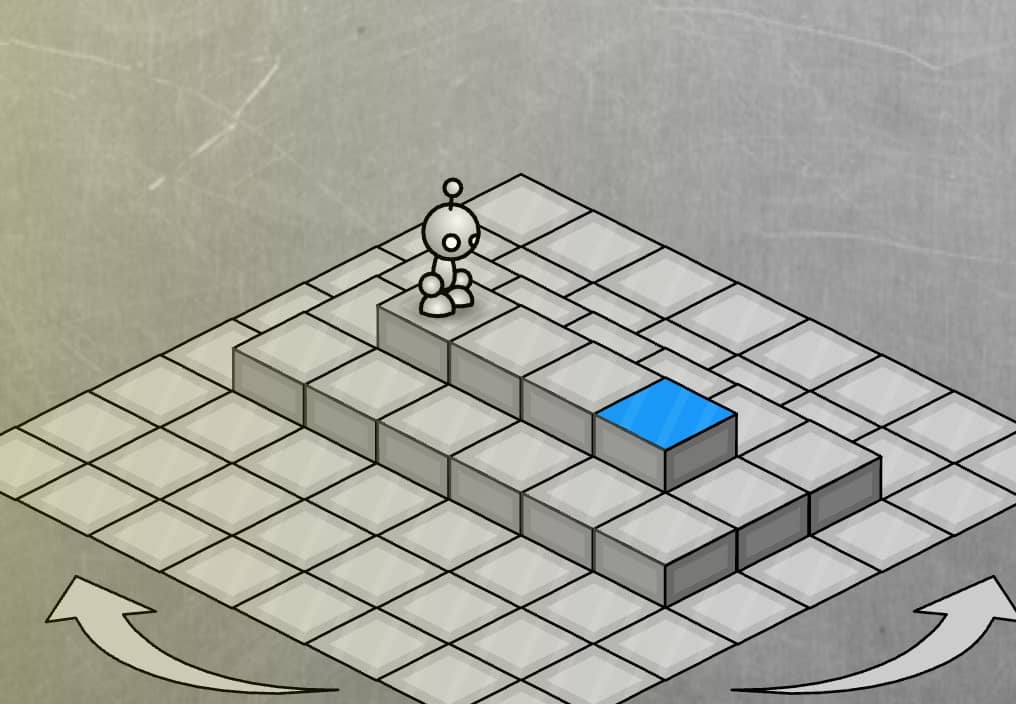
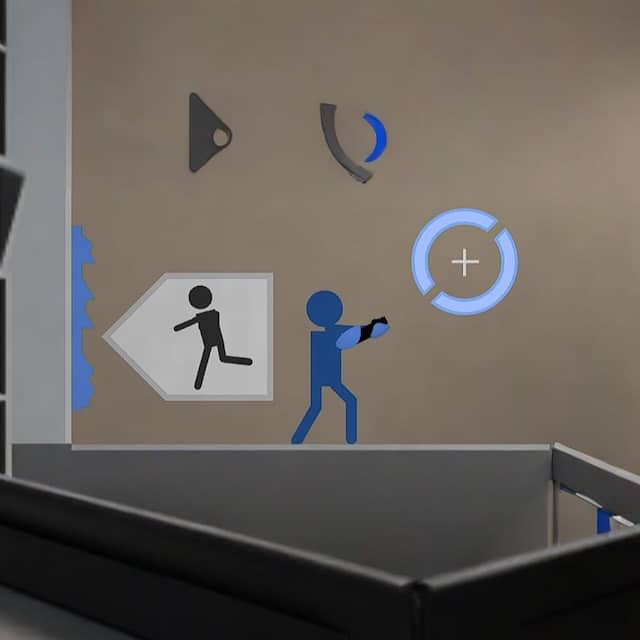
In Kodingergoy, your goal is to guide the adorable protagonist through various puzzle levels by arranging command blocks in the correct sequence. Each level presents obstacles and challenges that require logical thinking to overcome. You'll drag and drop movement commands like 'move forward', 'turn left', and 'jump' into the command area, then press play to watch your character execute the sequence. The challenge comes from using the fewest moves possible and creating efficient paths while avoiding hazards. Early levels teach basic sequencing, while later stages introduce loops and conditional logic. Focus on planning your entire route before executing, and pay attention to visual cues in the environment that hint at solutions. During tense moments when you're close to completing a level but running out of moves, carefully review your command sequence for any redundant steps or opportunities to optimize your path.
Information
Play Kodingergoy Online - HTML5 FAQ
Can I play Kodingergoy online for free?
Yes. You can play Kodingergoy online for free in your browser on GGEMU, with no download required.
Can I play Kodingergoy on mobile?
Yes. You can play Kodingergoy on mobile devices and desktop browsers through GGEMU.
Can I save my progress in Kodingergoy?
Kodingergoy does not currently support GGEMU save states. If the game includes its own save feature, you can use that instead.
Do I need an emulator or special hardware to play Kodingergoy?
No. Kodingergoy runs directly in your browser on GGEMU, with no extra hardware or software required.
Can I play Kodingergoy in fullscreen mode?
Yes. Kodingergoy supports fullscreen mode on GGEMU for a more immersive experience.
Can I play Kodingergoy with a gamepad or controller?
Yes. Kodingergoy supports gamepad controls on GGEMU when a compatible controller is connected.