Kodingergoy
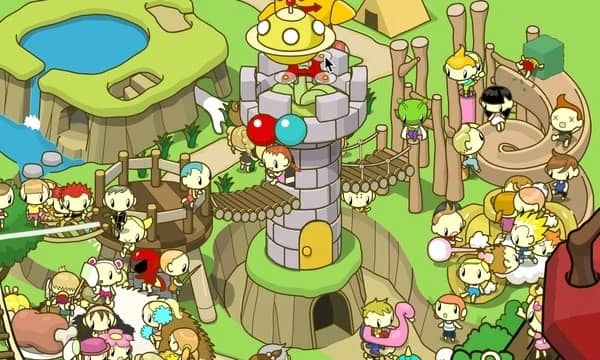
A colorful HTML5 puzzle game for kids where players help a friendly creature navigate through coding-inspired challenges by arranging logical sequences.
Nasıl oynanır
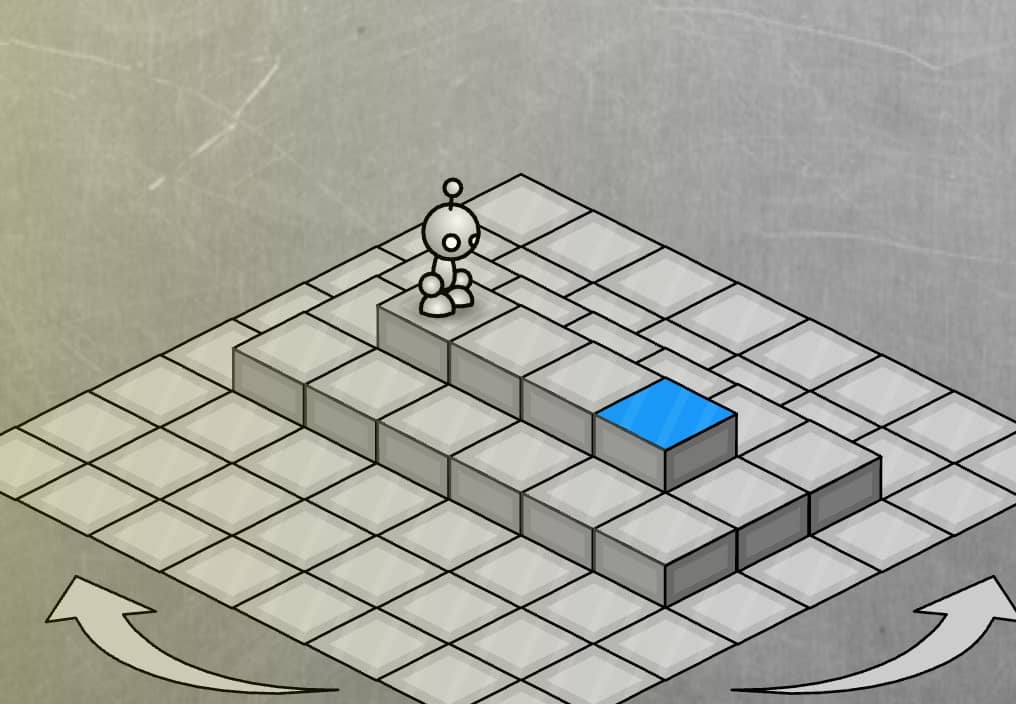
In Kodingergoy, your goal is to guide the adorable protagonist through various puzzle levels by arranging command blocks in the correct sequence. Each level presents obstacles and challenges that require logical thinking to overcome. You'll drag and drop movement commands like 'move forward', 'turn left', and 'jump' into the command area, then press play to watch your character execute the sequence. The challenge comes from using the fewest moves possible and creating efficient paths while avoiding hazards. Early levels teach basic sequencing, while later stages introduce loops and conditional logic. Focus on planning your entire route before executing, and pay attention to visual cues in the environment that hint at solutions. During tense moments when you're close to completing a level but running out of moves, carefully review your command sequence for any redundant steps or opportunities to optimize your path.
Oyun Bilgileri
Kodingergoy Online Oyna - HTML5 SSS
Kodingergoy oyununu çevrimiçi ve ücretsiz oynayabilir miyim?
Evet. Hiçbir şey indirmeden Kodingergoy oyununu GGEMU üzerinden tarayıcınızda çevrimiçi ve ücretsiz oynayabilirsiniz.
Kodingergoy oyununu mobil cihazda oynayabilir miyim?
Evet. Kodingergoy oyununu GGEMU üzerinden hem mobil cihazlarda hem de masaüstü tarayıcılarda oynayabilirsiniz.
Kodingergoy oyunundaki ilerlememi kaydedebilir miyim?
Kodingergoy şu anda GGEMU kayıt durumlarını desteklemiyor. Oyunun kendi kayıt özelliği varsa onu kullanabilirsiniz.
Kodingergoy oynamak için emülatör veya özel donanım gerekir mi?
Hayır. Kodingergoy, GGEMU üzerinden doğrudan tarayıcınızda çalışır ve ek donanım ya da yazılım gerektirmez.
Kodingergoy oyununu tam ekran modunda oynayabilir miyim?
Evet. Kodingergoy, daha sürükleyici bir deneyim için GGEMU'da tam ekran modunu destekler.
Kodingergoy oyununu gamepad veya kontrolcüyle oynayabilir miyim?
Evet. Uyumlu bir kontrolcü bağlandığında Kodingergoy oyununu GGEMU'da gamepad ile oynayabilirsiniz.