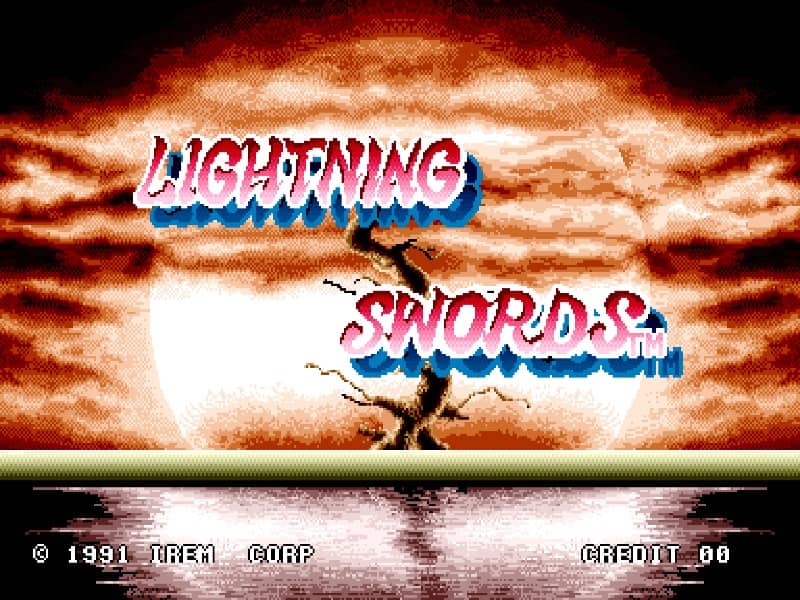
How to play
Control the samurai protagonist, Hayato, as he journeys through side-scrolling stages to defeat evil spirits and rival warriors. Use the joystick to move, crouch, and jump to navigate hazardous platforms. Press the attack button to perform swift sword slashes, and combine directions with the attack button to strike high or low. Precise timing is essential, as enemies will block basic frontal assaults. Collect power-up items to charge your sword with magical lightning energy. When fully charged, unleash a powerful screen-clearing magic attack to dispatch overwhelming groups of enemies. During challenging boss fights, focus on dodging their initial strikes, then counter-attack immediately while they are vulnerable. Keep moving to avoid being surrounded by respawning minions.
Information
Play Lighting Swords Online - Arcade FAQ
Can I play Lighting Swords online for free?
Yes. You can play Lighting Swords online for free in your browser on GGEMU, with no download required.
Can I play Lighting Swords on mobile?
Yes. You can play Lighting Swords on mobile devices and desktop browsers through GGEMU.
Can I save my progress in Lighting Swords?
Yes. Lighting Swords supports local save states on GGEMU. Cloud saves are also available to GGEMU Premium members.
Do I need an emulator or special hardware to play Lighting Swords?
No. GGEMU runs Lighting Swords in your browser, so you do not need original Arcade hardware or a separate emulator.
Can I play Lighting Swords in fullscreen mode?
Yes. Lighting Swords supports fullscreen mode on GGEMU for a more immersive experience.
Can I play Lighting Swords with a gamepad or controller?
Yes. Lighting Swords supports gamepad controls on GGEMU when a compatible controller is connected.