How to play
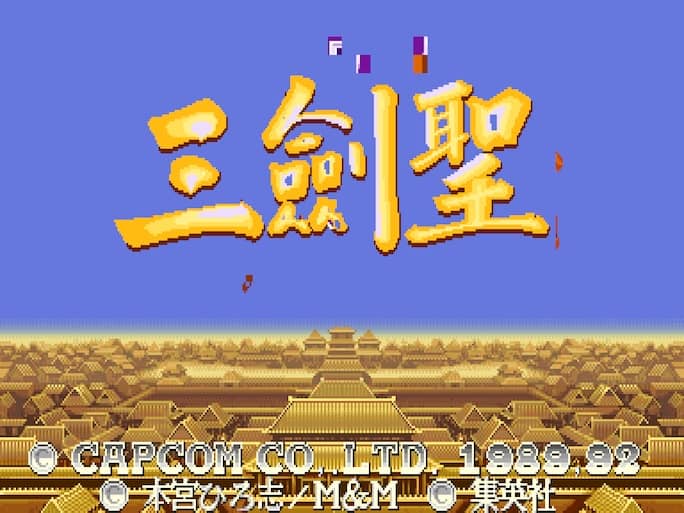
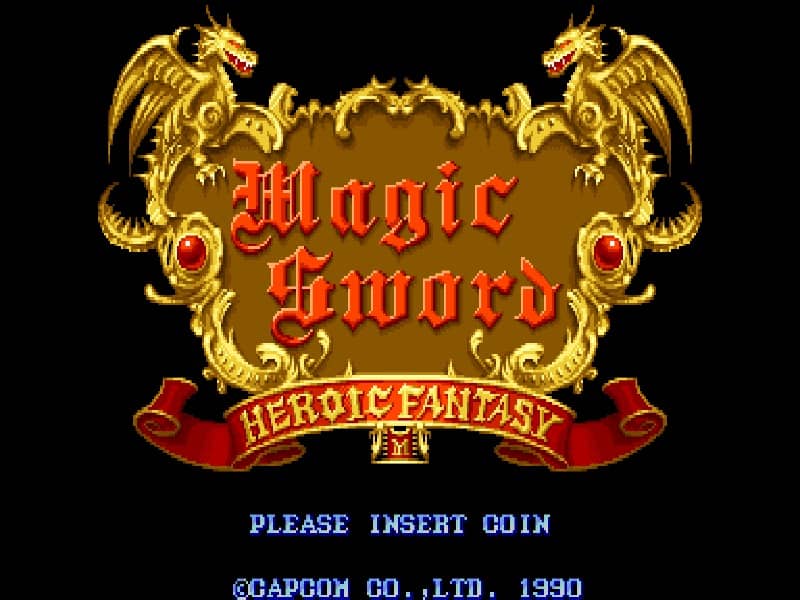
Guide your warrior up the perilous 50 floors of the tower using the joystick to move, crouch, and jump. Press the attack button to slash with your sword, which unleashes a magical projectile when your magic meter is fully charged. Collect keys scattered throughout the levels to unlock cell doors and recruit various ally characters, such as the Ninja, Wizard, or Priest, who will fight alongside you and provide unique support attacks. Manage your health carefully, as taking damage reduces your vitality and can also defeat your current ally. When overwhelmed by enemies, press the attack and jump buttons simultaneously to perform a powerful screen-clearing magic spell at the cost of a portion of your health. Focus on upgrading your sword by finding chests and defeating bosses at regular intervals, keeping an eye out for hidden warp zones to bypass difficult floors.
Information
Play Magic Sword Online - Arcade FAQ
Can I play Magic Sword online for free?
Yes. You can play Magic Sword online for free in your browser on GGEMU, with no download required.
Can I play Magic Sword on mobile?
Yes. You can play Magic Sword on mobile devices and desktop browsers through GGEMU.
Can I save my progress in Magic Sword?
Yes. Magic Sword supports local save states on GGEMU. Cloud saves are also available to GGEMU Premium members.
Do I need an emulator or special hardware to play Magic Sword?
No. GGEMU runs Magic Sword in your browser, so you do not need original Arcade hardware or a separate emulator.
Can I play Magic Sword in fullscreen mode?
Yes. Magic Sword supports fullscreen mode on GGEMU for a more immersive experience.
Can I play Magic Sword with a gamepad or controller?
Yes. Magic Sword supports gamepad controls on GGEMU when a compatible controller is connected.