How to play
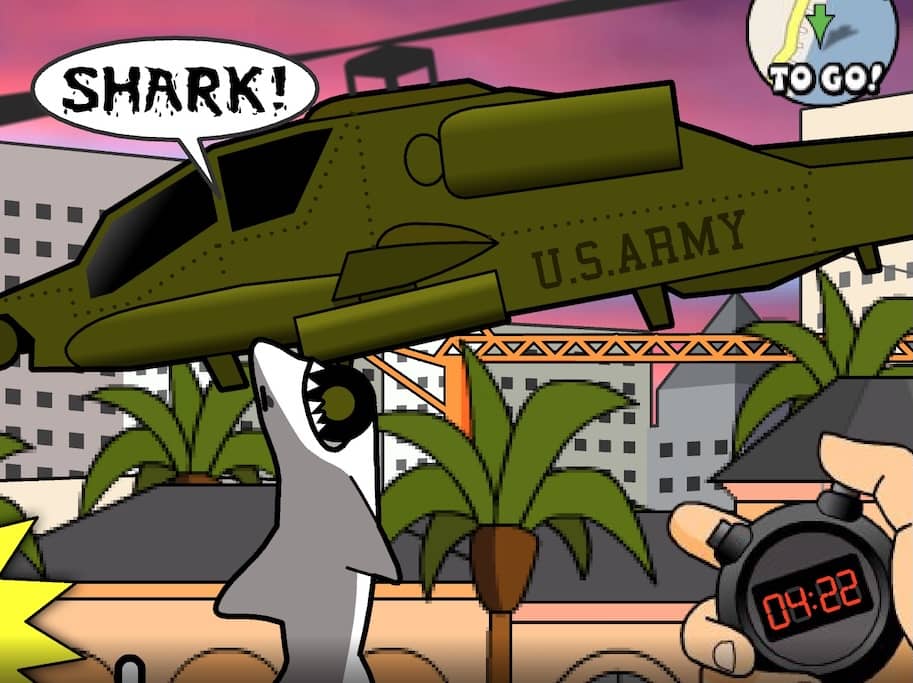
In Miami Shark, your objective is to survive as long as possible by eating everything in your path to grow your shark and increase your score. You control the shark with your mouse or keyboard, swimming through the ocean and Miami beaches. You start as a small shark and must eat fish, swimmers, and small boats to gain points and size. As you grow, you can attack larger prey like speedboats and helicopters. Avoid predators like larger sharks and explosive barrels, as they will damage you and reduce your size. The game gets progressively more challenging as time passes, with more dangerous enemies appearing. Focus on eating continuously to maintain your growth, and be strategic about when to attack high-value but risky targets to maximize your score before your health runs out.
Information
Play Miami Shark Online - FLASH FAQ
Can I play Miami Shark online for free?
Yes. You can play Miami Shark online for free in your browser on GGEMU, with no download required.
Can I play Miami Shark on mobile?
Miami Shark is currently optimized for desktop browsers and is not available on mobile devices.
Can I save my progress in Miami Shark?
Miami Shark does not currently support GGEMU save states. If the game includes its own save feature, you can use that instead.
Do I need an emulator or special hardware to play Miami Shark?
No. Miami Shark runs directly in your browser on GGEMU, with no extra hardware or software required.
Can I play Miami Shark in fullscreen mode?
Yes. Miami Shark supports fullscreen mode on GGEMU for a more immersive experience.
Can I play Miami Shark with a gamepad or controller?
Yes. Miami Shark supports gamepad controls on GGEMU when a compatible controller is connected.