How to play
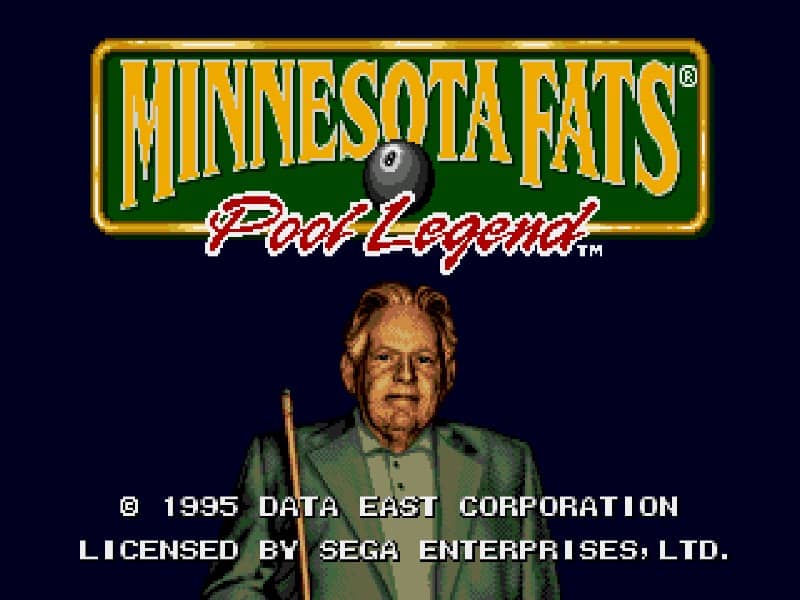
In Minnesota Fats Pool Legend, your objective is to win matches of pool by pocketing balls according to the rules of the selected game mode, such as 8-ball or 9-ball. You control the cue stick's aim and power using the D-pad and buttons. Before each shot, you position a targeting guide to line up your shot, adjusting the angle and spin as needed. Hold the button to charge your power meter; a well-timed release determines the strength of your shot. A good beginner strategy is to focus on positioning the cue ball for your next shot after making your current one, planning two or three moves ahead. In the early game, take simpler shots to build confidence and clear the table methodically. As the match progresses, you'll need to play more defensively, using soft taps or intentional fouls to leave your opponent with difficult angles. During tense moments, such as when only the 8-ball remains, carefully survey the table and avoid rash shots that could result in a loss.
Information
Play Minnesota Fats Pool Legend Online - Genesis FAQ
Can I play Minnesota Fats Pool Legend online for free?
Yes. You can play Minnesota Fats Pool Legend online for free in your browser on GGEMU, with no download required.
Can I play Minnesota Fats Pool Legend on mobile?
Yes. You can play Minnesota Fats Pool Legend on mobile devices and desktop browsers through GGEMU.
Can I save my progress in Minnesota Fats Pool Legend?
Yes. Minnesota Fats Pool Legend supports local save states on GGEMU. Cloud saves are also available to GGEMU Premium members.
Do I need an emulator or special hardware to play Minnesota Fats Pool Legend?
No. GGEMU runs Minnesota Fats Pool Legend in your browser, so you do not need original Genesis hardware or a separate emulator.
Can I play Minnesota Fats Pool Legend in fullscreen mode?
Yes. Minnesota Fats Pool Legend supports fullscreen mode on GGEMU for a more immersive experience.
Can I play Minnesota Fats Pool Legend with a gamepad or controller?
Yes. Minnesota Fats Pool Legend supports gamepad controls on GGEMU when a compatible controller is connected.