How to play
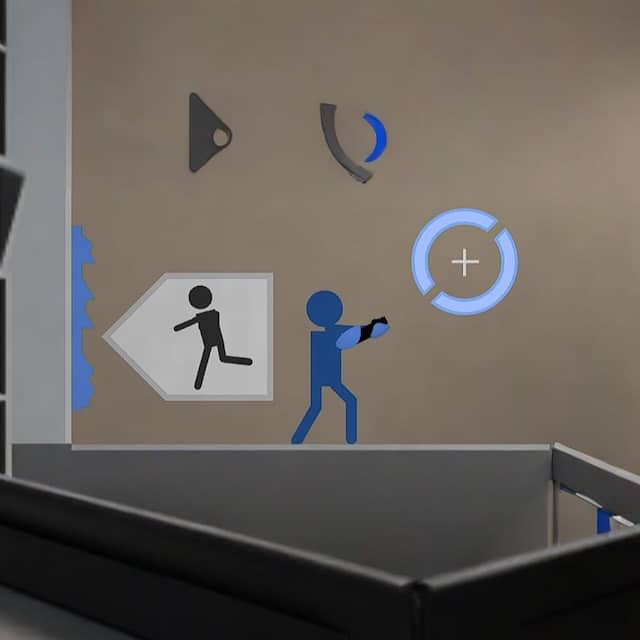
In Portal 2D, your goal is to navigate through a series of test chambers by using a portal gun that creates two connected portals on specific surfaces. You control a character who can run, jump, and shoot portals to solve environmental puzzles. The core challenge involves placing an entrance and exit portal to bypass obstacles, move cubes onto buttons, or redirect energy balls to activate switches. Each chamber introduces new mechanics, such as turrets that must be avoided or disabled, and momentum-based jumps that require precise portal placement to fling yourself across gaps. As you progress, the puzzles become more complex, requiring careful observation and timing. Focus first on understanding the room layout and identifying portal-compatible surfaces, which are typically white and flat. Plan your route before shooting portals, and remember that momentum carries through portals, allowing for high-speed traversal. In tense moments, quickly assess threats like turrets and use portals defensively to create cover or escape routes. The game rewards creative thinking and spatial reasoning over quick reflexes.
Information
Play Portal 2D Online - FLASH FAQ
Can I play Portal 2D online for free?
Yes. You can play Portal 2D online for free in your browser on GGEMU, with no download required.
Can I play Portal 2D on mobile?
Portal 2D is currently optimized for desktop browsers and is not available on mobile devices.
Can I save my progress in Portal 2D?
Portal 2D does not currently support GGEMU save states. If the game includes its own save feature, you can use that instead.
Do I need an emulator or special hardware to play Portal 2D?
No. Portal 2D runs directly in your browser on GGEMU, with no extra hardware or software required.
Can I play Portal 2D in fullscreen mode?
Yes. Portal 2D supports fullscreen mode on GGEMU for a more immersive experience.
Can I play Portal 2D with a gamepad or controller?
Yes. Portal 2D supports gamepad controls on GGEMU when a compatible controller is connected.