Como jogar
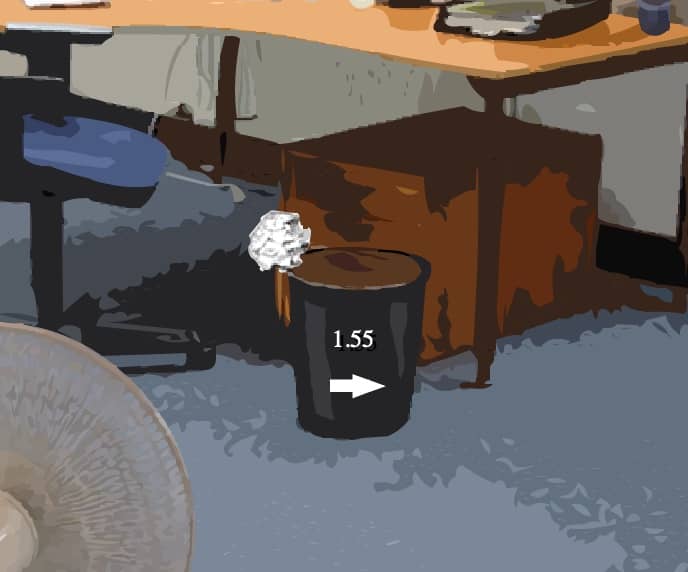
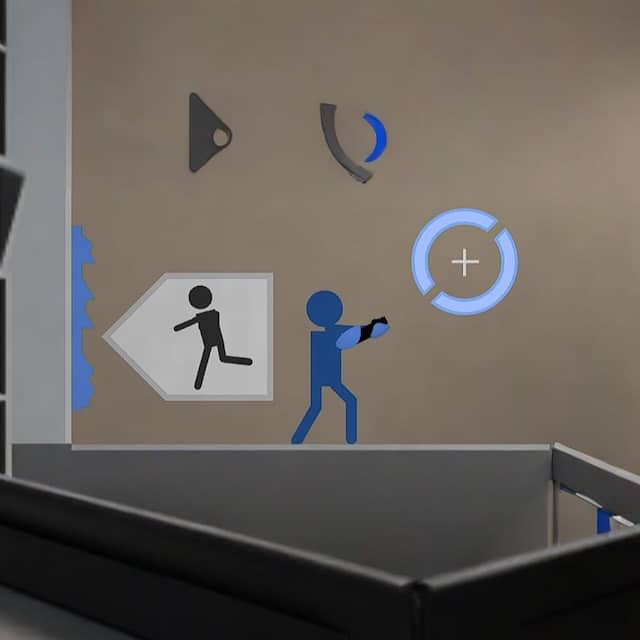
In Portal 2D, your goal is to navigate through a series of test chambers by using a portal gun that creates two connected portals on specific surfaces. You control a character who can run, jump, and shoot portals to solve environmental puzzles. The core challenge involves placing an entrance and exit portal to bypass obstacles, move cubes onto buttons, or redirect energy balls to activate switches. Each chamber introduces new mechanics, such as turrets that must be avoided or disabled, and momentum-based jumps that require precise portal placement to fling yourself across gaps. As you progress, the puzzles become more complex, requiring careful observation and timing. Focus first on understanding the room layout and identifying portal-compatible surfaces, which are typically white and flat. Plan your route before shooting portals, and remember that momentum carries through portals, allowing for high-speed traversal. In tense moments, quickly assess threats like turrets and use portals defensively to create cover or escape routes. The game rewards creative thinking and spatial reasoning over quick reflexes.
Informações do jogo
Jogar Portal 2D online - Perguntas frequentes de FLASH
Posso jogar Portal 2D online gratuitamente?
Sim. Podes jogar Portal 2D online gratuitamente no navegador através do GGEMU, sem fazer downloads.
Posso jogar Portal 2D no telemóvel?
Portal 2D está atualmente otimizado para navegadores de computador e não está disponível em dispositivos móveis.
Posso guardar o meu progresso em Portal 2D?
Portal 2D ainda não suporta estados de gravação do GGEMU. Se o jogo tiver uma função própria para guardar, podes utilizá-la.
Preciso de um emulador ou hardware especial para jogar Portal 2D?
Não. Portal 2D funciona diretamente no teu navegador através do GGEMU, sem hardware ou software adicional.
Posso jogar Portal 2D em ecrã inteiro?
Sim. Portal 2D suporta o modo de ecrã inteiro no GGEMU para uma experiência mais envolvente.
Posso jogar Portal 2D com um comando?
Sim. Podes controlar Portal 2D com um comando no GGEMU quando ligares um modelo compatível.