How to play
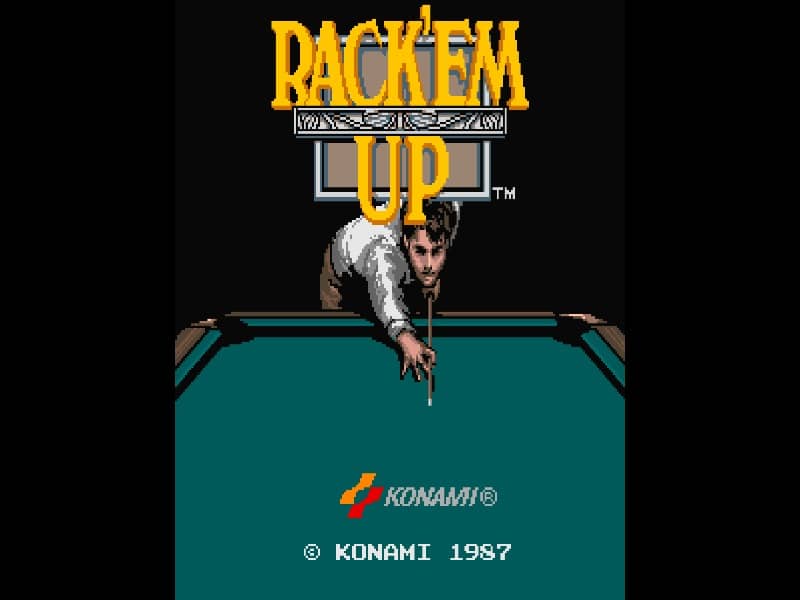
The objective of Rack'em Up is to pocket the designated billiard balls according to the rules of the selected game mode, such as 9-Ball or Trick Shot. Players use the joystick to aim the cue line, adjusting the angle of the shot, and use the action buttons to set the cue ball's strike point for spin and to initiate the power meter. Timing the button press with the power meter determines the force of the shot. Beginners should focus on mastering straight shots and understanding ball deflection angles before attempting advanced spin shots. In the trick shot mode, analyze the table layout carefully and adjust the spin to bypass obstacles. Managing cue ball positioning for subsequent shots is key to maintaining a turn and achieving high scores.
Information
Play Rack'em Up Online - Arcade FAQ
Can I play Rack'em Up online for free?
Yes. You can play Rack'em Up online for free in your browser on GGEMU, with no download required.
Can I play Rack'em Up on mobile?
Yes. You can play Rack'em Up on mobile devices and desktop browsers through GGEMU.
Can I save my progress in Rack'em Up?
Yes. Rack'em Up supports local save states on GGEMU. Cloud saves are also available to GGEMU Premium members.
Do I need an emulator or special hardware to play Rack'em Up?
No. GGEMU runs Rack'em Up in your browser, so you do not need original Arcade hardware or a separate emulator.
Can I play Rack'em Up in fullscreen mode?
Yes. Rack'em Up supports fullscreen mode on GGEMU for a more immersive experience.
Can I play Rack'em Up with a gamepad or controller?
Yes. Rack'em Up supports gamepad controls on GGEMU when a compatible controller is connected.