How to play
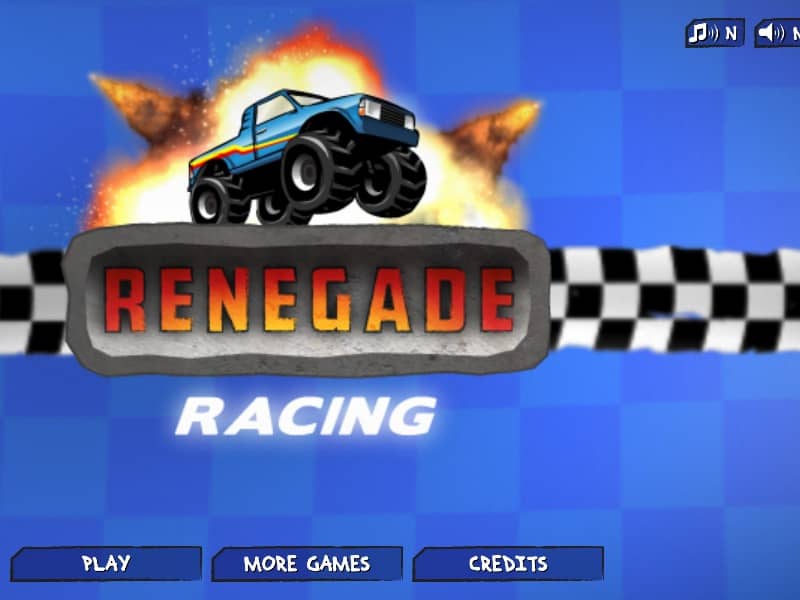
In Renegade Racing, the goal is to race against wacky opponents across various stunt-filled 2D tracks and cross the finish line in first place. Control your vehicle using the keyboard, using the up arrow key to accelerate, the down arrow key to brake or reverse, and the left and right arrow keys to tilt and balance your vehicle in mid-air. Performing front flips and back flips while airborne fills your turbo meter. Once charged, activate the turbo boost with the spacebar to gain a massive burst of speed. Focus on upgrading your vehicle's engine, turbo, tires, and suspension between races, or unlock crazier vehicles like the police car, double-decker bus, or monster truck to conquer tougher tracks.
Information
Play Renegade Racing Online - FLASH FAQ
Can I play Renegade Racing online for free?
Yes. You can play Renegade Racing online for free in your browser on GGEMU, with no download required.
Can I play Renegade Racing on mobile?
Yes. You can play Renegade Racing on mobile devices and desktop browsers through GGEMU.
Can I save my progress in Renegade Racing?
Renegade Racing does not currently support GGEMU save states. If the game includes its own save feature, you can use that instead.
Do I need an emulator or special hardware to play Renegade Racing?
No. Renegade Racing runs directly in your browser on GGEMU, with no extra hardware or software required.
Can I play Renegade Racing in fullscreen mode?
Yes. Renegade Racing supports fullscreen mode on GGEMU for a more immersive experience.
Can I play Renegade Racing with a gamepad or controller?
Yes. Renegade Racing supports gamepad controls on GGEMU when a compatible controller is connected.