How to play
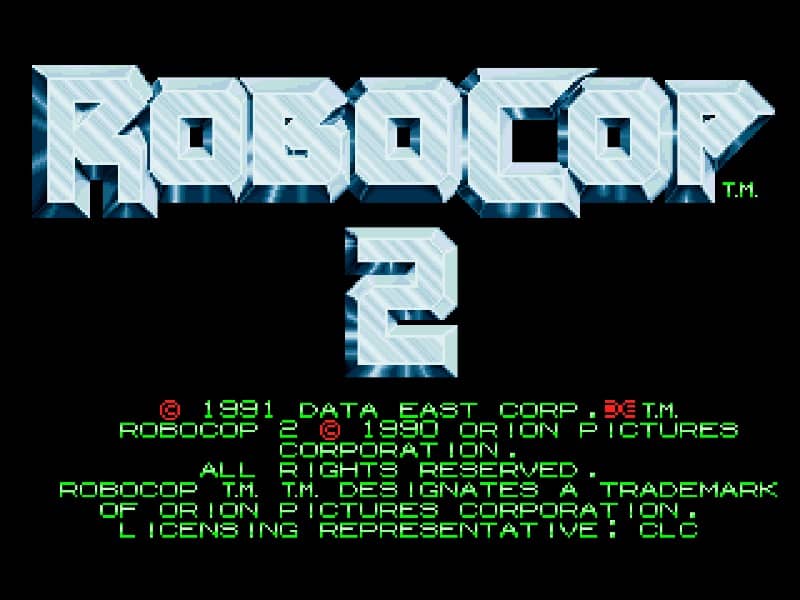
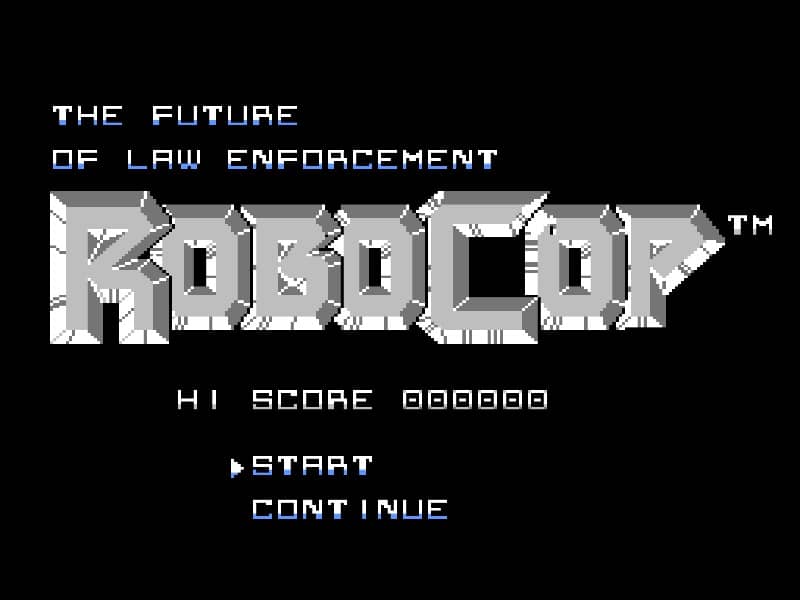
You control RoboCop from a side-scrolling perspective, moving left and right to advance through urban and industrial stages. Your primary weapon is your Auto-9 pistol, which has limited ammunition that can be replenished by collecting ammo icons from defeated enemies or breakable objects. You must jump over pits and obstacles while engaging various thugs, ED-209 robots, and bosses. Your health is displayed as a life bar, and you can restore it by finding health pickups. The game features platforming challenges and requires precise shooting to eliminate enemies before they overwhelm you. In the early stages, focus on conserving ammo by aiming carefully and memorizing enemy patterns. As you progress, the levels become more complex with moving platforms and environmental hazards. During tense moments, such as boss fights, keep your distance and fire rapidly while avoiding their attack patterns. The final objective is to defeat the main antagonist and restore order to the city.
Information
Play RoboCop Online - Famicom FAQ
Can I play RoboCop online for free?
Yes. You can play RoboCop online for free in your browser on GGEMU, with no download required.
Can I play RoboCop on mobile?
Yes. You can play RoboCop on mobile devices and desktop browsers through GGEMU.
Can I save my progress in RoboCop?
Yes. RoboCop supports local save states on GGEMU. Cloud saves are also available to GGEMU Premium members.
Do I need an emulator or special hardware to play RoboCop?
No. GGEMU runs RoboCop in your browser, so you do not need original Famicom hardware or a separate emulator.
Can I play RoboCop in fullscreen mode?
Yes. RoboCop supports fullscreen mode on GGEMU for a more immersive experience.
Can I play RoboCop with a gamepad or controller?
Yes. RoboCop supports gamepad controls on GGEMU when a compatible controller is connected.