How to play
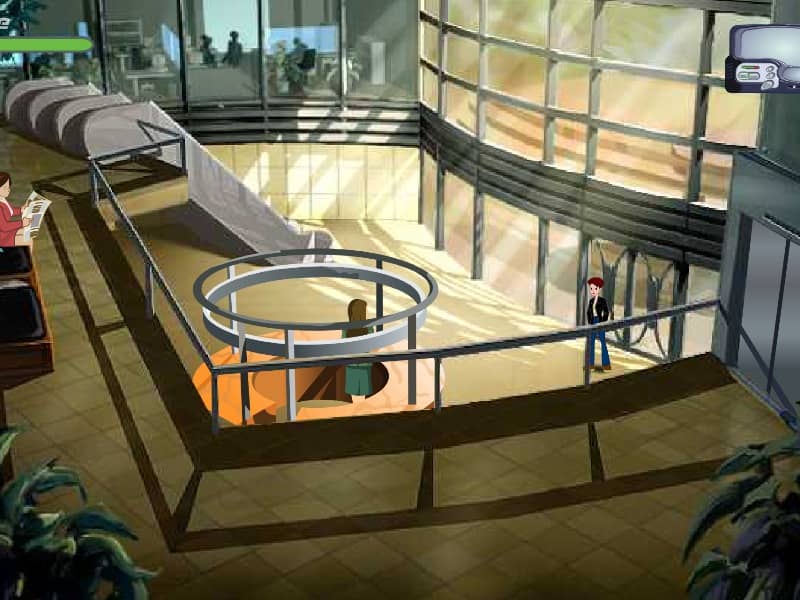
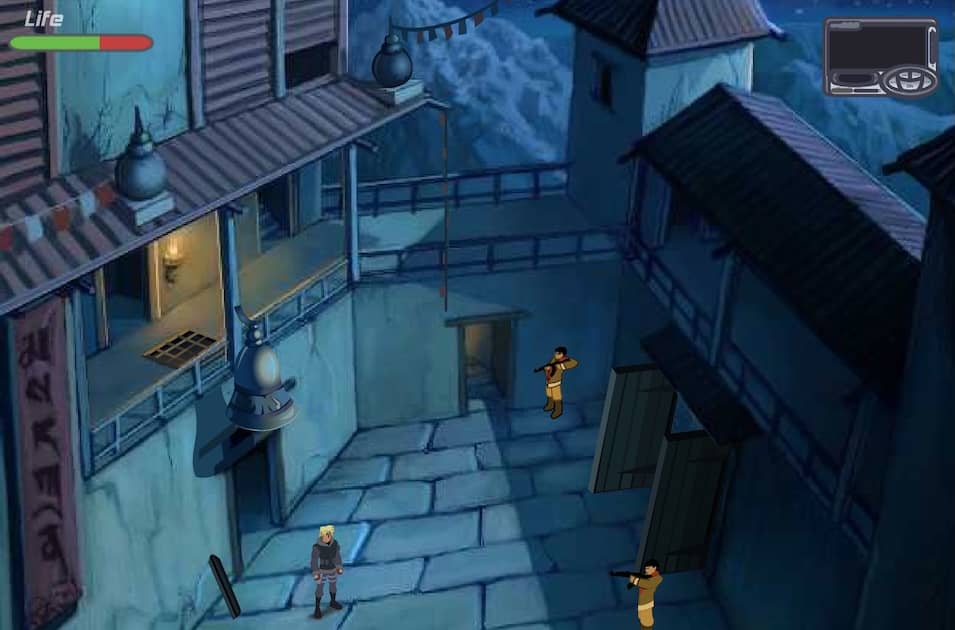
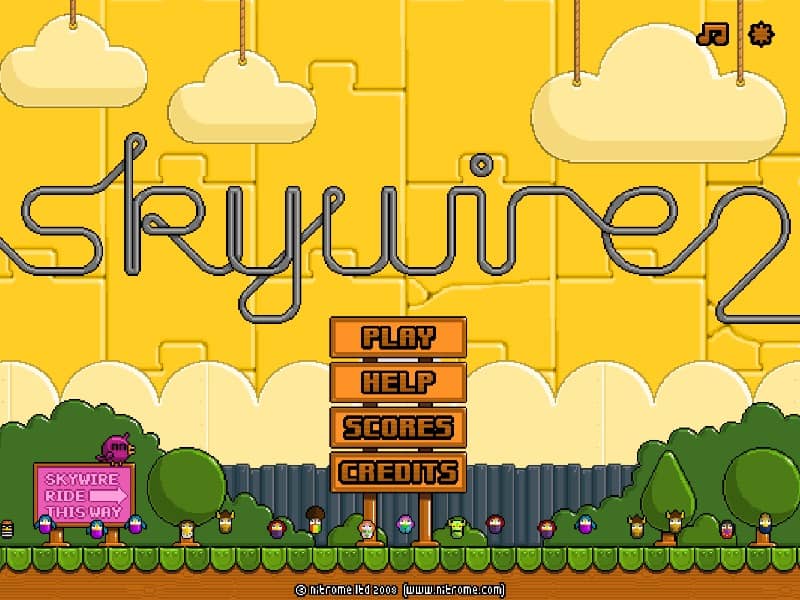
In Skywire 2, your goal is to guide your character safely across each level by drawing conductive wires between anchor points. You control a small, electrically-charged character who must avoid touching any hazardous surfaces or obstacles. Using your mouse, click and drag to create a wire from one blue anchor to another, forming a path for your character to automatically travel along. The challenge is to plan your route carefully, as wires can only be drawn in straight lines and your character is vulnerable when not on a wire. Early on, focus on creating simple, direct paths to get a feel for the physics and timing. As you progress, levels introduce moving obstacles, limited wire length, and complex layouts that require strategic thinking. In tense moments, quickly sketch a safe escape route to avoid enemies or falling into pits. The key to success is anticipating movement patterns and creating efficient wires that minimize risk.
Information
Play Skywire 2 Online - FLASH FAQ
Can I play Skywire 2 online for free?
Yes. You can play Skywire 2 online for free in your browser on GGEMU, with no download required.
Can I play Skywire 2 on mobile?
Yes. You can play Skywire 2 on mobile devices and desktop browsers through GGEMU.
Can I save my progress in Skywire 2?
Skywire 2 does not currently support GGEMU save states. If the game includes its own save feature, you can use that instead.
Do I need an emulator or special hardware to play Skywire 2?
No. Skywire 2 runs directly in your browser on GGEMU, with no extra hardware or software required.
Can I play Skywire 2 in fullscreen mode?
Yes. Skywire 2 supports fullscreen mode on GGEMU for a more immersive experience.
Can I play Skywire 2 with a gamepad or controller?
Yes. Skywire 2 supports gamepad controls on GGEMU when a compatible controller is connected.