玩法介绍
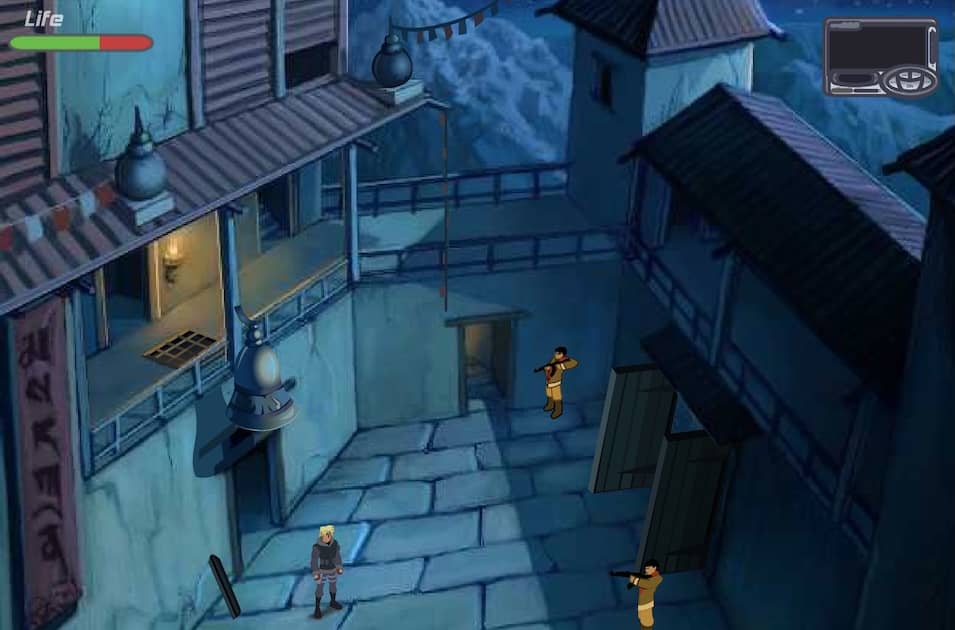
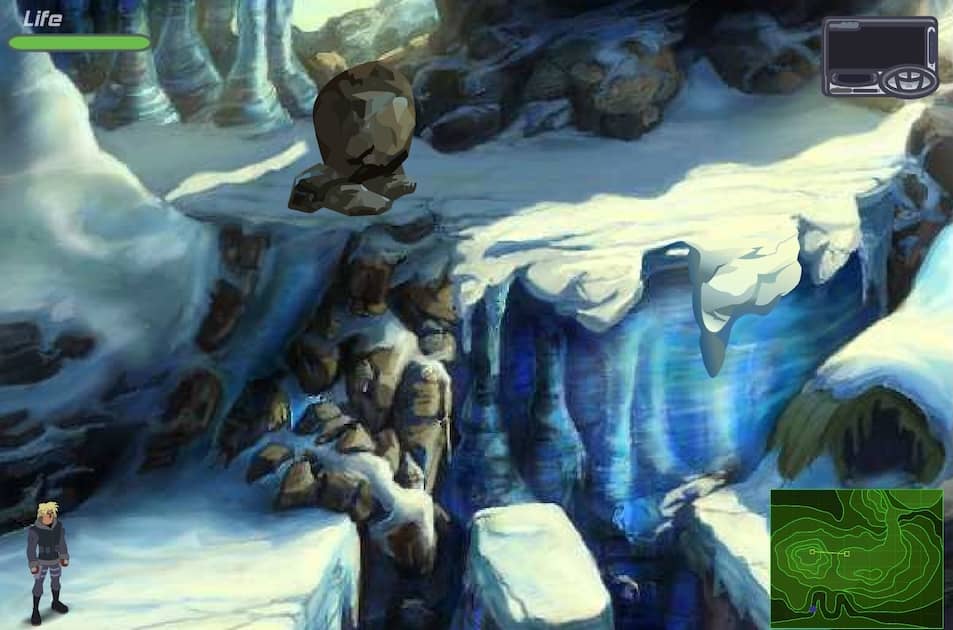
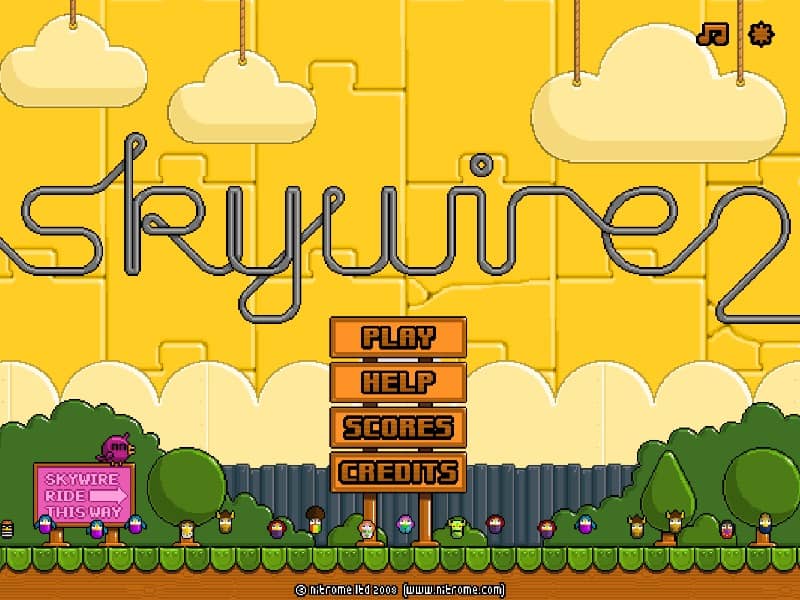
In Skywire 2, your goal is to guide your character safely across each level by drawing conductive wires between anchor points. You control a small, electrically-charged character who must avoid touching any hazardous surfaces or obstacles. Using your mouse, click and drag to create a wire from one blue anchor to another, forming a path for your character to automatically travel along. The challenge is to plan your route carefully, as wires can only be drawn in straight lines and your character is vulnerable when not on a wire. Early on, focus on creating simple, direct paths to get a feel for the physics and timing. As you progress, levels introduce moving obstacles, limited wire length, and complex layouts that require strategic thinking. In tense moments, quickly sketch a safe escape route to avoid enemies or falling into pits. The key to success is anticipating movement patterns and creating efficient wires that minimize risk.
游戏信息
在线玩 Skywire 2 - FLASH 游戏常见问题
可以免费在线玩 Skywire 2 吗?
可以。你可以在 GGEMU 上直接通过浏览器免费在线玩 Skywire 2,无需下载。
可以在手机上玩 Skywire 2 吗?
可以。你可以通过 GGEMU 在手机等移动设备或电脑浏览器上玩 Skywire 2。
玩 Skywire 2 可以保存进度吗?
Skywire 2 目前不支持 GGEMU 即时存档。如果游戏自带存档功能,可以使用游戏内存档。
玩 Skywire 2 需要安装模拟器或准备专用硬件吗?
不需要。Skywire 2 可直接在 GGEMU 的浏览器页面中运行,无需额外的硬件或软件。
可以全屏玩 Skywire 2 吗?
可以。Skywire 2 在 GGEMU 上支持全屏模式,游玩时更具沉浸感。
可以用游戏手柄玩 Skywire 2 吗?
可以。连接兼容的游戏手柄后,即可在 GGEMU 上用手柄玩 Skywire 2。