How to play
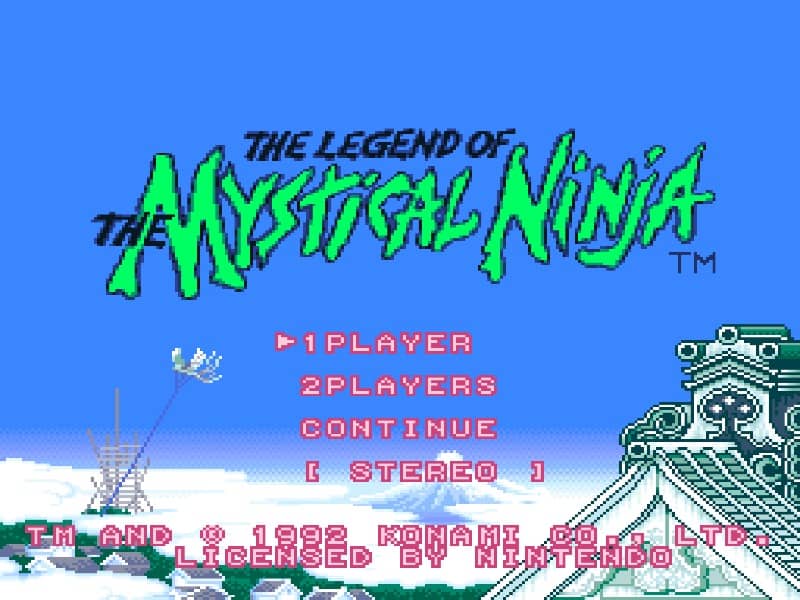
Your primary goal is to guide the heroes through towns and action stages to rescue Princess Yuki. You control one character at a time, switching between Goemon and Ebisumaru, who have different strengths. In towns, you explore from a top-down perspective, talking to villagers, shopping for items like health-restoring sushi and throwing weapons, and entering action stages. The side-scrolling action stages require platforming skills to jump over pits and defeat enemies with your pipe or shuriken. You earn money by defeating enemies and breaking objects, which is essential for buying upgrades. A key strategy is to manage your health and money carefully, purchasing better weapons and armor when possible. The game features a two-player cooperative mode, allowing a friend to control the second character. Focus on learning enemy patterns and exploring each area thoroughly to find hidden items and power-ups that make later stages easier.
Information
Play The Legend of the Mystical Ninja Online - Super Famicom FAQ
Can I play The Legend of the Mystical Ninja online for free?
Yes. You can play The Legend of the Mystical Ninja online for free in your browser on GGEMU, with no download required.
Can I play The Legend of the Mystical Ninja on mobile?
Yes. You can play The Legend of the Mystical Ninja on mobile devices and desktop browsers through GGEMU.
Can I save my progress in The Legend of the Mystical Ninja?
Yes. The Legend of the Mystical Ninja supports local save states on GGEMU. Cloud saves are also available to GGEMU Premium members.
Do I need an emulator or special hardware to play The Legend of the Mystical Ninja?
No. GGEMU runs The Legend of the Mystical Ninja in your browser, so you do not need original Super Famicom hardware or a separate emulator.
Can I play The Legend of the Mystical Ninja in fullscreen mode?
Yes. The Legend of the Mystical Ninja supports fullscreen mode on GGEMU for a more immersive experience.
Can I play The Legend of the Mystical Ninja with a gamepad or controller?
Yes. The Legend of the Mystical Ninja supports gamepad controls on GGEMU when a compatible controller is connected.