How to play
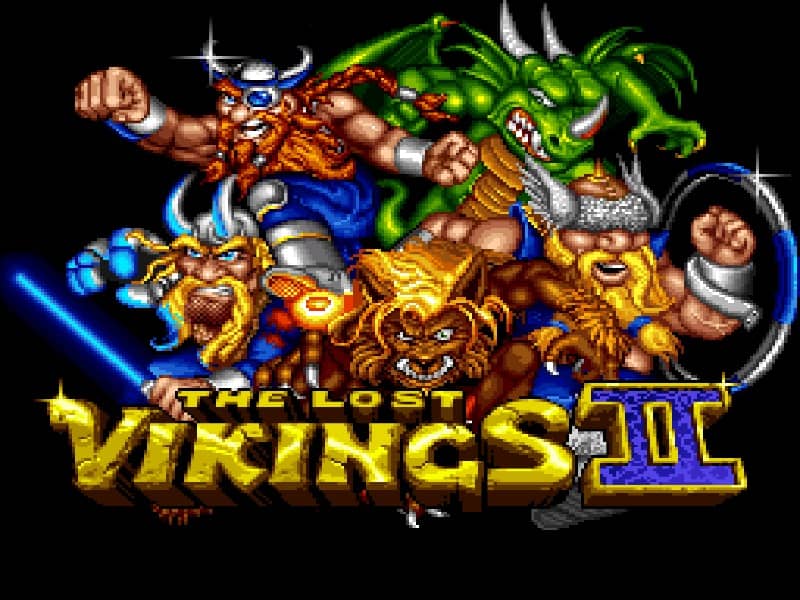
In The Lost Vikings II, you control three Vikings—Erik the Swift, Baleog the Fierce, and Olaf the Stout—each with distinct abilities. Your core objective is to guide all three characters safely to the exit of each level. Erik can run fast and jump high, Baleog attacks enemies with his sword and bow, and Olaf can block projectiles with his shield and create platforms. You must switch between them strategically to overcome obstacles; for example, use Olaf to shield the group from enemy fire while Baleog clears the path, then have Erik leap across gaps. The challenge lies in coordinating their movements and using their skills in the correct sequence. In the early stages, focus on learning each Viking's role. As you progress, levels become more complex, requiring precise timing and clever combinations of abilities. During tense moments, prioritize keeping all Vikings alive, as losing one means restarting the level.
Information
Play The Lost Vikings II Online - Super Famicom FAQ
Can I play The Lost Vikings II online for free?
Yes. You can play The Lost Vikings II online for free in your browser on GGEMU, with no download required.
Can I play The Lost Vikings II on mobile?
Yes. You can play The Lost Vikings II on mobile devices and desktop browsers through GGEMU.
Can I save my progress in The Lost Vikings II?
Yes. The Lost Vikings II supports local save states on GGEMU. Cloud saves are also available to GGEMU Premium members.
Do I need an emulator or special hardware to play The Lost Vikings II?
No. GGEMU runs The Lost Vikings II in your browser, so you do not need original Super Famicom hardware or a separate emulator.
Can I play The Lost Vikings II in fullscreen mode?
Yes. The Lost Vikings II supports fullscreen mode on GGEMU for a more immersive experience.
Can I play The Lost Vikings II with a gamepad or controller?
Yes. The Lost Vikings II supports gamepad controls on GGEMU when a compatible controller is connected.