Cách chơi
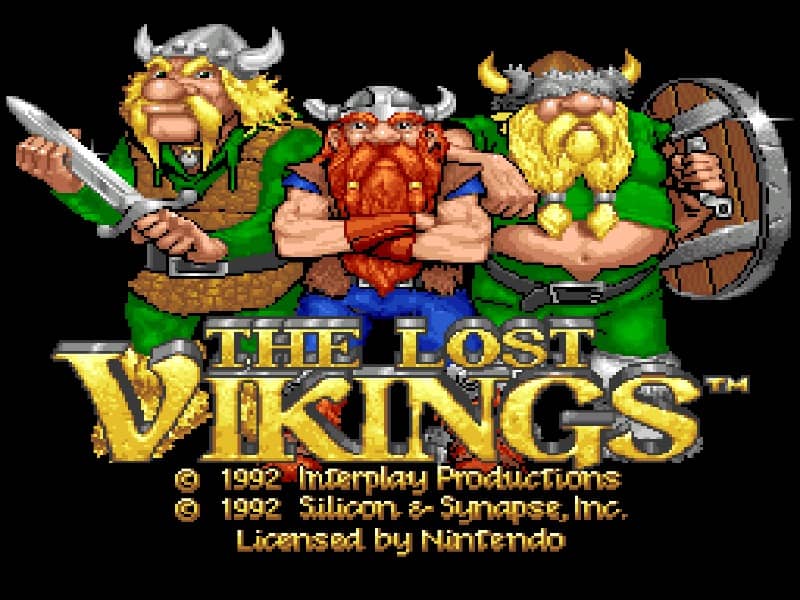
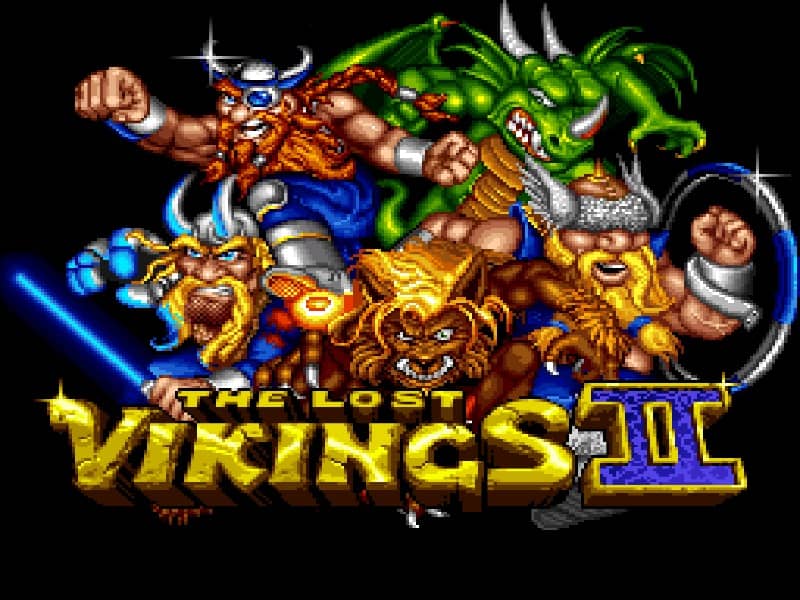
In The Lost Vikings II, you control three Vikings—Erik the Swift, Baleog the Fierce, and Olaf the Stout—each with distinct abilities. Your core objective is to guide all three characters safely to the exit of each level. Erik can run fast and jump high, Baleog attacks enemies with his sword and bow, and Olaf can block projectiles with his shield and create platforms. You must switch between them strategically to overcome obstacles; for example, use Olaf to shield the group from enemy fire while Baleog clears the path, then have Erik leap across gaps. The challenge lies in coordinating their movements and using their skills in the correct sequence. In the early stages, focus on learning each Viking's role. As you progress, levels become more complex, requiring precise timing and clever combinations of abilities. During tense moments, prioritize keeping all Vikings alive, as losing one means restarting the level.
Thông tin trò chơi
Chơi The Lost Vikings II online - Câu hỏi thường gặp về phiên bản Super Famicom
Tôi có thể chơi The Lost Vikings II online miễn phí không?
Có. Bạn có thể chơi The Lost Vikings II online miễn phí ngay trên trình duyệt qua GGEMU mà không cần tải xuống.
Tôi có thể chơi The Lost Vikings II trên điện thoại không?
Có. Bạn có thể chơi The Lost Vikings II qua GGEMU trên cả thiết bị di động lẫn trình duyệt máy tính.
Tôi có thể lưu tiến trình trong The Lost Vikings II không?
Có. The Lost Vikings II hỗ trợ trạng thái lưu cục bộ trên GGEMU. Thành viên GGEMU Premium cũng có thể lưu trên đám mây.
Tôi có cần trình giả lập hoặc phần cứng chuyên dụng để chơi The Lost Vikings II không?
Không. GGEMU chạy The Lost Vikings II ngay trong trình duyệt nên bạn không cần máy Super Famicom nguyên bản hay cài thêm trình giả lập.
Tôi có thể chơi The Lost Vikings II ở chế độ toàn màn hình không?
Có. The Lost Vikings II hỗ trợ chế độ toàn màn hình trên GGEMU để mang lại trải nghiệm nhập vai hơn.
Tôi có thể chơi The Lost Vikings II bằng tay cầm không?
Có. Khi kết nối tay cầm tương thích, bạn có thể điều khiển The Lost Vikings II bằng tay cầm trên GGEMU.