How to play
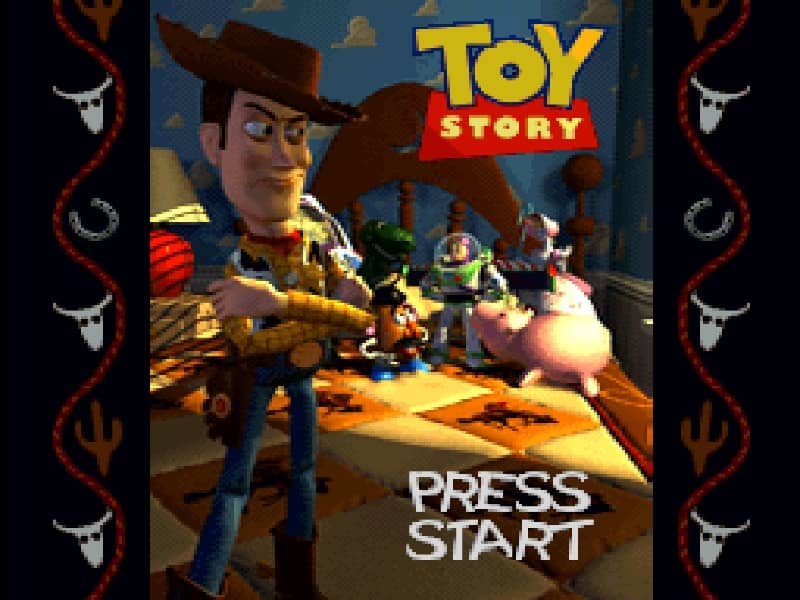
In Toy Story for Super Famicom, you primarily control Woody through side-scrolling platform levels, switching to Buzz Lightyear for specific sections. Your objective is to navigate through Andy's house and other toy-sized environments, jumping over obstacles, avoiding hazards like toy-eating dogs, and collecting items like Pizza Planet tokens. Use Woody's lasso to swing across gaps and Buzz's laser for combat against toy army men and other enemies. Focus on exploring each area thoroughly to find hidden items and power-ups that will help you progress. The game combines action platforming with light RPG elements, requiring careful timing and puzzle-solving to advance through the story. In tense moments, watch enemy patterns and use character-specific abilities strategically to overcome challenges.
Information
Play Toy Story Online - Super Famicom FAQ
Can I play Toy Story online for free?
Yes. You can play Toy Story online for free in your browser on GGEMU, with no download required.
Can I play Toy Story on mobile?
Yes. You can play Toy Story on mobile devices and desktop browsers through GGEMU.
Can I save my progress in Toy Story?
Yes. Toy Story supports local save states on GGEMU. Cloud saves are also available to GGEMU Premium members.
Do I need an emulator or special hardware to play Toy Story?
No. GGEMU runs Toy Story in your browser, so you do not need original Super Famicom hardware or a separate emulator.
Can I play Toy Story in fullscreen mode?
Yes. Toy Story supports fullscreen mode on GGEMU for a more immersive experience.
Can I play Toy Story with a gamepad or controller?
Yes. Toy Story supports gamepad controls on GGEMU when a compatible controller is connected.