How to play
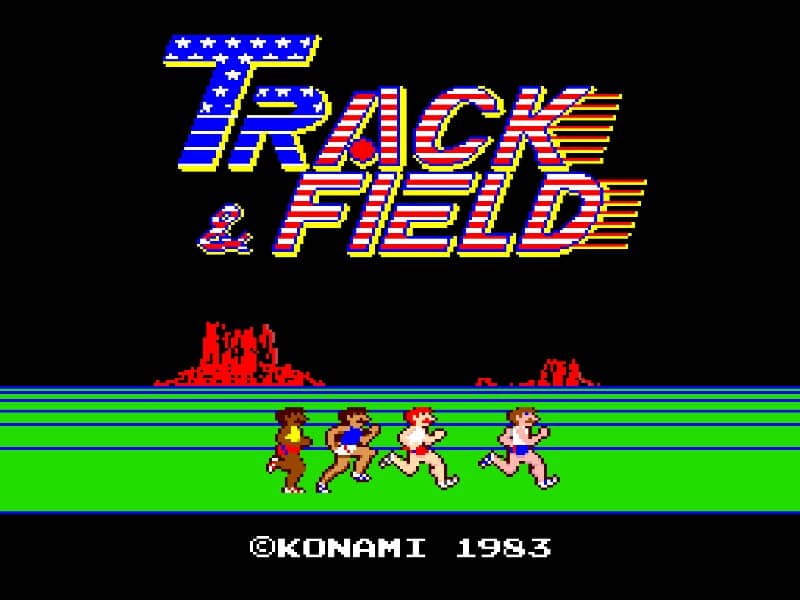
Your goal is to compete across multiple Olympic events, including the 100-meter dash, long jump, javelin throw, 110-meter hurdles, hammer throw, and high jump. Success depends on rapidly alternating button presses to build up your athlete's speed or power meter. For running events, mash the run buttons as fast as possible to accelerate. In field events like the javelin, you must first build speed with a run-up and then press the action button at the precise moment for the best angle and power. The key is finding a steady, sustainable rhythm for button mashing to avoid tiring your athlete out too quickly. Focus on consistent speed in the early events to qualify, then perfect your timing in the technical field events to maximize your scores. In tense moments, like the final stretch of a race or a crucial high jump attempt, maintain your composure and stick to your practiced timing rather than panicking and mashing erratically.
Information
Play Track & Field Online - Arcade FAQ
Can I play Track & Field online for free?
Yes. You can play Track & Field online for free in your browser on GGEMU, with no download required.
Can I play Track & Field on mobile?
Yes. You can play Track & Field on mobile devices and desktop browsers through GGEMU.
Can I save my progress in Track & Field?
Yes. Track & Field supports local save states on GGEMU. Cloud saves are also available to GGEMU Premium members.
Do I need an emulator or special hardware to play Track & Field?
No. GGEMU runs Track & Field in your browser, so you do not need original Arcade hardware or a separate emulator.
Can I play Track & Field in fullscreen mode?
Yes. Track & Field supports fullscreen mode on GGEMU for a more immersive experience.
Can I play Track & Field with a gamepad or controller?
Yes. Track & Field supports gamepad controls on GGEMU when a compatible controller is connected.