How to play
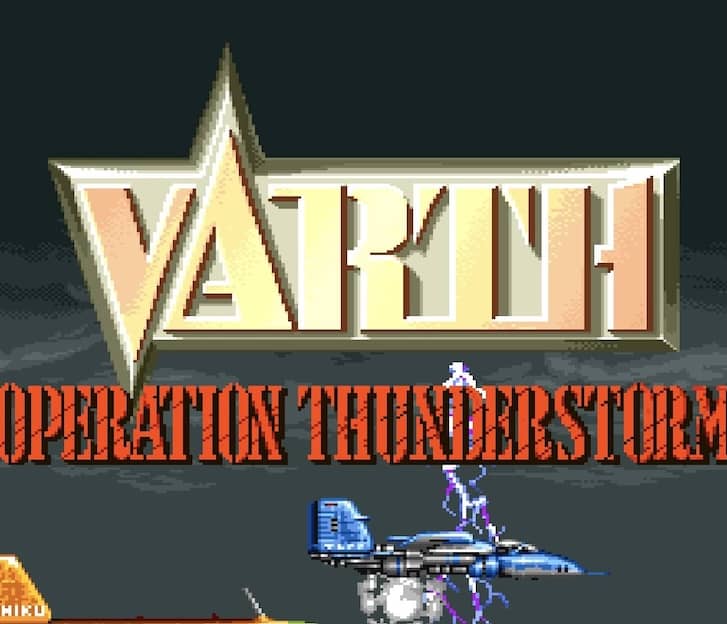
Your objective in Varth is to survive increasingly difficult stages by destroying enemy aircraft, tanks, ships, and fortifications while avoiding their fire. You control a lone fighter that scrolls automatically upward. Moment-to-moment play involves dodging dense patterns of enemy bullets and using your standard shot to clear a path. You can collect power-up icons left by certain enemies to upgrade your main weapon and gain options, which are satellite pods that fire alongside you, significantly increasing your firepower. A key beginner strategy is to focus on destroying the large carriers or specific enemies that release these power-ups to maximize your offensive capabilities early in a stage. The challenge rhythm consists of navigating through waves of smaller foes, followed by a mid-boss, and culminating in a large, screen-filling boss fight at the end of each stage. In tense moments, especially during boss battles, focus on memorizing attack patterns and creating safe spots rather than trying to aggressively attack. Your options can be destroyed by enemy fire, so protecting them is crucial for maintaining high damage output in the later, more difficult sections of the game.
Information
Play Varth Online - Arcade FAQ
Can I play Varth online for free?
Yes. You can play Varth online for free in your browser on GGEMU, with no download required.
Can I play Varth on mobile?
Yes. You can play Varth on mobile devices and desktop browsers through GGEMU.
Can I save my progress in Varth?
Yes. Varth supports local save states on GGEMU. Cloud saves are also available to GGEMU Premium members.
Do I need an emulator or special hardware to play Varth?
No. GGEMU runs Varth in your browser, so you do not need original Arcade hardware or a separate emulator.
Can I play Varth in fullscreen mode?
Yes. Varth supports fullscreen mode on GGEMU for a more immersive experience.
Can I play Varth with a gamepad or controller?
Yes. Varth supports gamepad controls on GGEMU when a compatible controller is connected.