Uploaded by 大帅
How to play
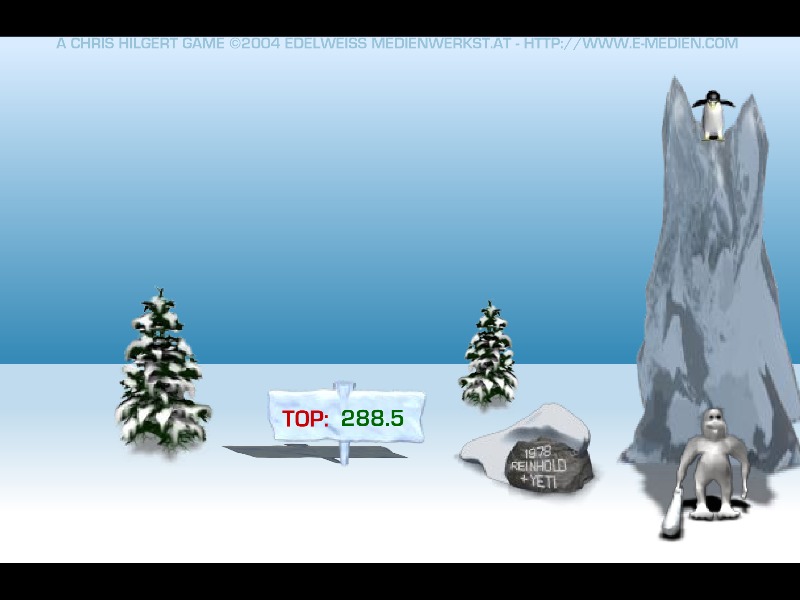
The core objective of Yeti Sports - Pingu Throw is to achieve the longest possible distance by launching a penguin into the air using a timing-based swing. To begin a run, players wait at the edge of an ice cliff as penguins walk past, then click the mouse at the precise moment to make the yeti swing his club. Timing your click correctly determines the power and launch angle of the shot, ensuring the penguin rockets upward rather than tumbling straight down into the snow. Once the penguin is airborne, players can monitor its flight and occasionally influence its trajectory or aerodynamics depending on the specific minigame variant rules, though the primary challenge relies heavily on the initial launch velocity. Early attempts focus on mastering the timing window of the swing, while middle and advanced tries require recognizing subtle visual cues from the approaching penguin's speed and stride. The ultimate goal is to beat personal and global distance records by balancing precision, timing, and momentum.
Information
Play Yeti Sport - Pingu Throw Online - FLASH FAQ
Can I play Yeti Sport - Pingu Throw online for free?
Yes. You can play Yeti Sport - Pingu Throw online for free in your browser on GGEMU, with no download required.
Can I play Yeti Sport - Pingu Throw on mobile?
Yes. You can play Yeti Sport - Pingu Throw on mobile devices and desktop browsers through GGEMU.
Can I save my progress in Yeti Sport - Pingu Throw?
Yeti Sport - Pingu Throw does not currently support GGEMU save states. If the game includes its own save feature, you can use that instead.
Do I need an emulator or special hardware to play Yeti Sport - Pingu Throw?
No. Yeti Sport - Pingu Throw runs directly in your browser on GGEMU, with no extra hardware or software required.
Can I play Yeti Sport - Pingu Throw in fullscreen mode?
Yes. Yeti Sport - Pingu Throw supports fullscreen mode on GGEMU for a more immersive experience.
Can I play Yeti Sport - Pingu Throw with a gamepad or controller?
Yes. Yeti Sport - Pingu Throw supports gamepad controls on GGEMU when a compatible controller is connected.