Mis en ligne par 大帅
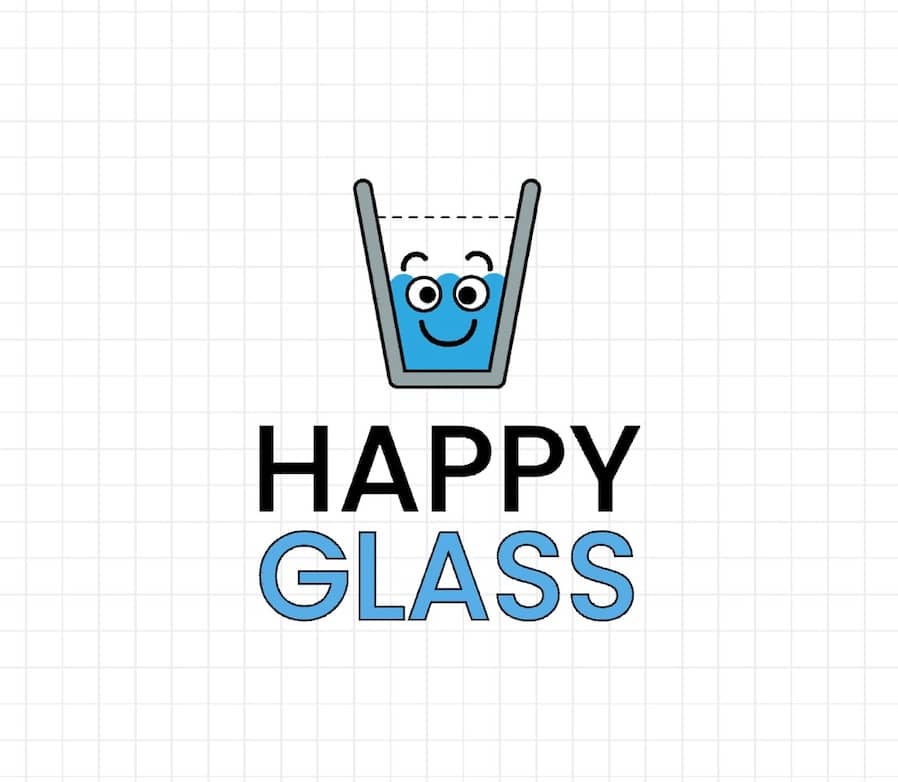
Happy Glass
A physics-based puzzle game where players draw lines to guide water into a sad glass to make it happy.
Comment jouer
In Happy Glass, your goal is to fill the glass with enough water to reach the marked line, which will make the glass smile. Each level presents a unique puzzle with the glass positioned somewhere on the screen and a water source above it. You cannot move the glass or the water source directly. Instead, you draw lines or shapes on the screen with your finger or mouse. These drawn objects become solid and interact with the game's physics engine. You must use them to create a path, a barrier, or a contraption that guides the flowing water from the source into the glass. The challenge is to use as little ink (your drawing resource) as possible, as you are often limited. Think about angles, leverage, and gravity. A good beginner strategy is to start by drawing a simple ramp or channel directly from the water source to the glass. In more complex levels, you might need to create a seesaw to tip water from one container to another or draw a protective wall to stop water from spilling off the screen. The game's rhythm involves observing the level layout, planning your drawing, and then testing it. If it fails, you can quickly try again. Focus on creating efficient, stable structures. In tense moments, ensure your drawing connects properly and can withstand the flow of water without breaking.
Informations sur le jeu
Jouer à Happy Glass en ligne – FAQ HTML5
Puis-je jouer gratuitement à Happy Glass en ligne ?
Oui. Vous pouvez jouer gratuitement à Happy Glass en ligne dans votre navigateur sur GGEMU, sans téléchargement.
Puis-je jouer à Happy Glass sur mobile ?
Oui. Vous pouvez jouer à Happy Glass avec GGEMU sur mobile comme dans un navigateur sur ordinateur.
Puis-je sauvegarder ma progression dans Happy Glass ?
Happy Glass ne prend pas encore en charge les sauvegardes instantanées de GGEMU. Si le jeu possède sa propre fonction de sauvegarde, vous pouvez l'utiliser.
Faut-il un émulateur ou du matériel spécial pour jouer à Happy Glass ?
Non. Happy Glass fonctionne directement dans votre navigateur sur GGEMU, sans matériel ni logiciel supplémentaire.
Puis-je jouer à Happy Glass en plein écran ?
Oui. Happy Glass prend en charge le mode plein écran sur GGEMU pour une expérience plus immersive.
Puis-je jouer à Happy Glass avec une manette ?
Oui. Vous pouvez jouer à Happy Glass avec une manette sur GGEMU lorsqu'un modèle compatible est connecté.