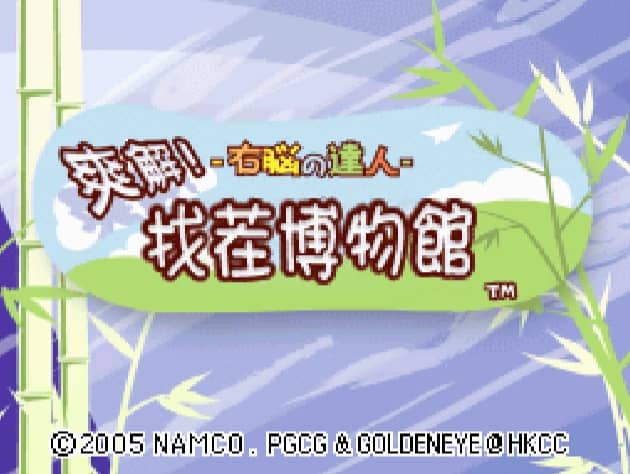
Caricato da 大帅
Come giocare
In Quick Spot, the primary objective is to identify the differences between two seemingly identical images displayed on the Nintendo DS screens. Using the DS stylus on the bottom touch screen, tap directly on the discrepancies, which can range from color changes and missing objects to entirely different items. You must work quickly as you are playing against a timer, with each correct find advancing you to the next puzzle and incorrect guesses penalizing your remaining time. To succeed in the fast-paced modes, focus on scanning the images systematically rather than looking at them as a whole. Start by comparing large shapes, then quickly move to smaller details and background elements. In tense moments when the timer is running low, avoid random guessing, as the time penalty for mistakes can quickly end your run. Instead, maintain a steady rhythm of scanning and precise tapping to build up your score multipliers.
Informazioni sul gioco
Gioca a Quick Spot online - FAQ Nintendo DS
Posso giocare gratis a Quick Spot online?
Sì. Puoi giocare gratis a Quick Spot online nel browser su GGEMU, senza scaricare nulla.
Posso giocare a Quick Spot su smartphone?
Sì. Puoi giocare a Quick Spot tramite GGEMU sia sui dispositivi mobili sia nei browser desktop.
Posso salvare i progressi in Quick Spot?
Sì. Quick Spot supporta gli stati di salvataggio locali su GGEMU. I membri di GGEMU Premium possono anche salvare nel cloud.
Mi servono un emulatore o hardware speciale per giocare a Quick Spot?
No. GGEMU esegue Quick Spot nel tuo browser, quindi non servono l'hardware originale Nintendo DS o un emulatore separato.
Posso giocare a Quick Spot a schermo intero?
Sì. Quick Spot supporta la modalità a schermo intero su GGEMU per un'esperienza più coinvolgente.
Posso giocare a Quick Spot con un gamepad o controller?
Sì. Se colleghi un controller compatibile, puoi usare il gamepad per giocare a Quick Spot su GGEMU.