遊び方
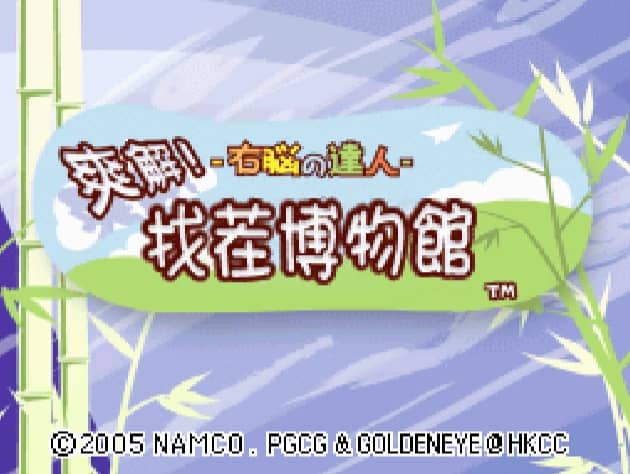
In Quick Spot, the primary objective is to identify the differences between two seemingly identical images displayed on the Nintendo DS screens. Using the DS stylus on the bottom touch screen, tap directly on the discrepancies, which can range from color changes and missing objects to entirely different items. You must work quickly as you are playing against a timer, with each correct find advancing you to the next puzzle and incorrect guesses penalizing your remaining time. To succeed in the fast-paced modes, focus on scanning the images systematically rather than looking at them as a whole. Start by comparing large shapes, then quickly move to smaller details and background elements. In tense moments when the timer is running low, avoid random guessing, as the time penalty for mistakes can quickly end your run. Instead, maintain a steady rhythm of scanning and precise tapping to build up your score multipliers.
ゲーム情報
Quick Spotをオンラインでプレイ – Nintendo DS版のよくある質問
Quick Spotは無料でオンラインプレイできますか?
はい。ダウンロード不要で、GGEMUのブラウザ上からQuick Spotを無料でオンラインプレイできます。
Quick Spotはスマートフォンで遊べますか?
はい。GGEMUなら、スマートフォンなどのモバイル端末でもパソコンのブラウザでもQuick Spotをプレイできます。
Quick Spotの進行状況を保存できますか?
はい。Quick SpotはGGEMUのローカルセーブステートに対応しています。GGEMU Premium会員はクラウドセーブも利用できます。
Quick Spotを遊ぶにはエミュレーターや専用ハードが必要ですか?
いいえ。GGEMUがブラウザ上でQuick Spotを動かすため、Nintendo DSの実機や別のエミュレーターは必要ありません。
Quick Spotはフルスクリーンで遊べますか?
はい。Quick SpotはGGEMUのフルスクリーンモードに対応しており、より没入感のあるプレイを楽しめます。
Quick Spotはゲームパッドやコントローラーで遊べますか?
はい。対応コントローラーを接続すれば、GGEMUでQuick Spotをゲームパッド操作できます。