Как играть
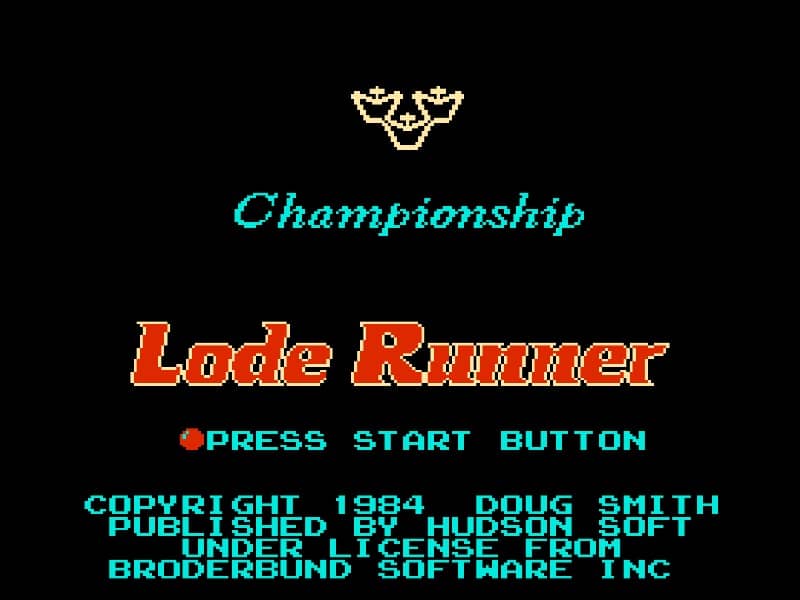
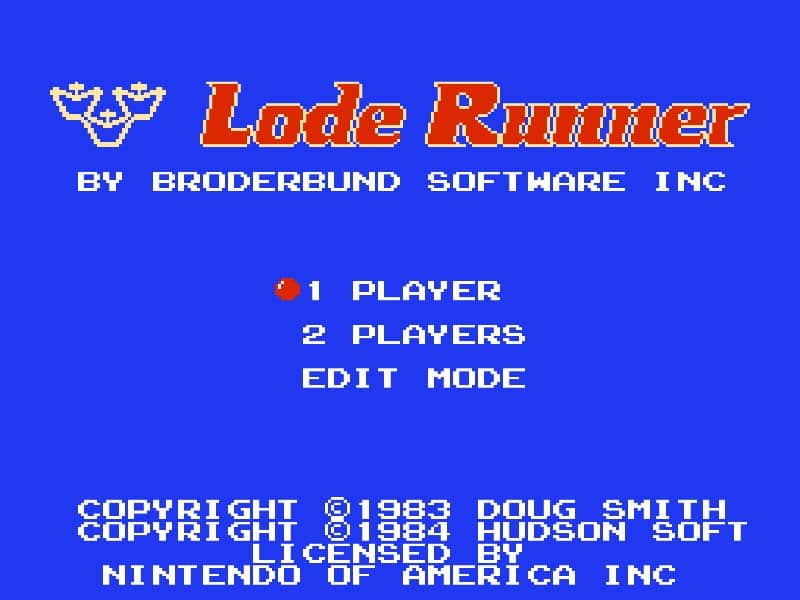
In Lode Runner, your objective is to collect every piece of gold scattered across the level while avoiding capture by the enemy guards. You control your character with the D-pad to run and climb ladders. The core mechanic is digging: you can temporarily remove bricks from the floor to your left or right, creating holes that enemies will fall into and become temporarily stuck. Use these holes to trap guards, create safe paths, or block their advance. A key strategy is to plan your route to avoid being cornered, and to remember that dug bricks will reappear after a short time, so timing is critical. In the early stages, focus on learning the guard movement patterns and practicing quick digging to create escapes. As levels progress, the layouts become more complex, requiring you to think several steps ahead, lure enemies into traps, and sometimes use falling bricks to your advantage. During tense moments, stay calm and look for opportunities to trap multiple guards at once or use a hole to drop down to a safer area.
Информация об игре
Играть в Lode Runner онлайн — вопросы и ответы о версии для Famicom
Можно ли бесплатно играть в Lode Runner онлайн?
Да. В Lode Runner можно бесплатно играть онлайн прямо в браузере на GGEMU, ничего не скачивая.
Можно ли играть в Lode Runner на телефоне?
Да. Через GGEMU в Lode Runner можно играть как на мобильных устройствах, так и в браузерах на компьютере.
Можно ли сохранить прогресс в Lode Runner?
Да. Lode Runner поддерживает локальные быстрые сохранения на GGEMU. Участникам GGEMU Premium также доступны облачные сохранения.
Нужен ли эмулятор или специальное оборудование, чтобы играть в Lode Runner?
Нет. GGEMU запускает Lode Runner в браузере, поэтому оригинальное оборудование Famicom и отдельный эмулятор не нужны.
Можно ли играть в Lode Runner в полноэкранном режиме?
Да. Lode Runner поддерживает полноэкранный режим на GGEMU для более полного погружения в игру.
Можно ли играть в Lode Runner с геймпадом или контроллером?
Да. Если подключить совместимый контроллер, в Lode Runner на GGEMU можно играть с геймпадом.