วิธีเล่น
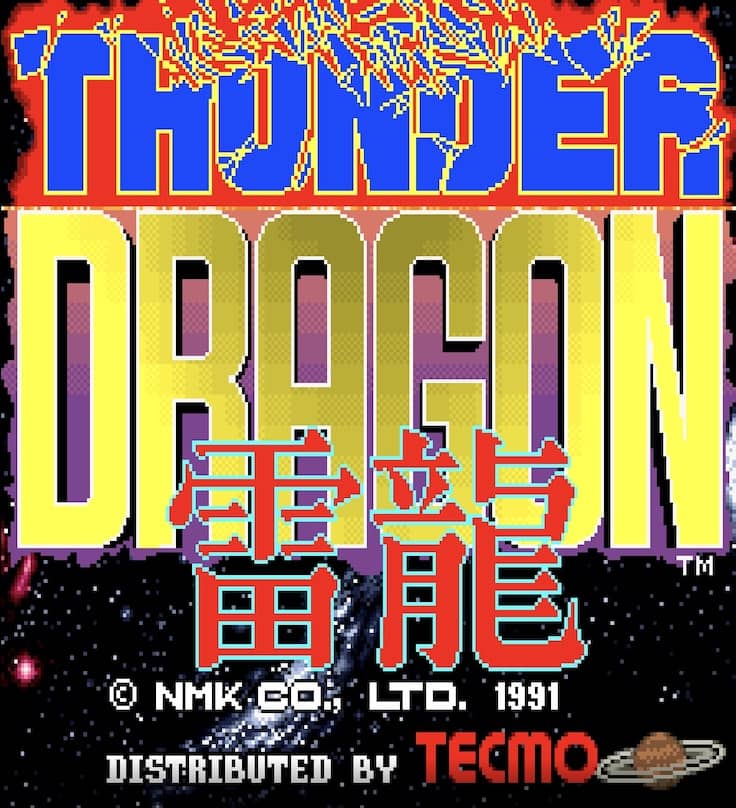
In Thunder Dragon, you control a lone fighter ship tasked with destroying enemy forces across multiple stages. Your primary weapon is a forward-firing shot that can be powered up by collecting P icons dropped by certain enemies. Power-ups cycle through different weapon types, including a spread shot, laser, and homing missiles, each with distinct advantages. You also have a limited supply of screen-clearing bombs to use in emergencies when overwhelmed. The core objective is to survive each stage by dodging intricate enemy bullet patterns while dealing enough damage to defeat the stage boss. As a beginner, focus on memorizing enemy spawn locations and prioritizing power-ups to increase your firepower. The challenge rhythm is fast and relentless, with later stages requiring precise movement and strategic bomb usage. During tense moments, such as boss fights, concentrate on finding safe spots in the bullet patterns and timing your attacks carefully.
ข้อมูลเกม
เล่น Thunder Dragon ออนไลน์ - คำถามที่พบบ่อยสำหรับเวอร์ชัน Arcade
เล่น Thunder Dragon ออนไลน์ฟรีได้ไหม?
ได้ คุณสามารถเล่น Thunder Dragon ออนไลน์ฟรีผ่านเบราว์เซอร์บน GGEMU โดยไม่ต้องดาวน์โหลด
เล่น Thunder Dragon บนมือถือได้ไหม?
ได้ คุณสามารถเล่น Thunder Dragon ผ่าน GGEMU ได้ทั้งบนอุปกรณ์มือถือและเบราว์เซอร์บนคอมพิวเตอร์
บันทึกความคืบหน้าใน Thunder Dragon ได้ไหม?
ได้ Thunder Dragon รองรับการเซฟสถานะเกมไว้ในเครื่องบน GGEMU และสมาชิก GGEMU Premium ยังใช้ระบบบันทึกบนคลาวด์ได้อีกด้วย
ต้องใช้โปรแกรมจำลองหรือฮาร์ดแวร์เฉพาะเพื่อเล่น Thunder Dragon ไหม?
ไม่ต้อง GGEMU จะเรียกใช้ Thunder Dragon ในเบราว์เซอร์ คุณจึงไม่ต้องมีเครื่อง Arcade ของแท้หรือติดตั้งโปรแกรมจำลองแยกต่างหาก
เล่น Thunder Dragon แบบเต็มหน้าจอได้ไหม?
ได้ Thunder Dragon รองรับโหมดเต็มหน้าจอบน GGEMU เพื่อประสบการณ์เล่นเกมที่เต็มอารมณ์ยิ่งขึ้น
เล่น Thunder Dragon ด้วยเกมแพดหรือคอนโทรลเลอร์ได้ไหม?
ได้ เมื่อเชื่อมต่อคอนโทรลเลอร์ที่รองรับ คุณสามารถควบคุม Thunder Dragon ด้วยเกมแพดบน GGEMU ได้