玩法介绍
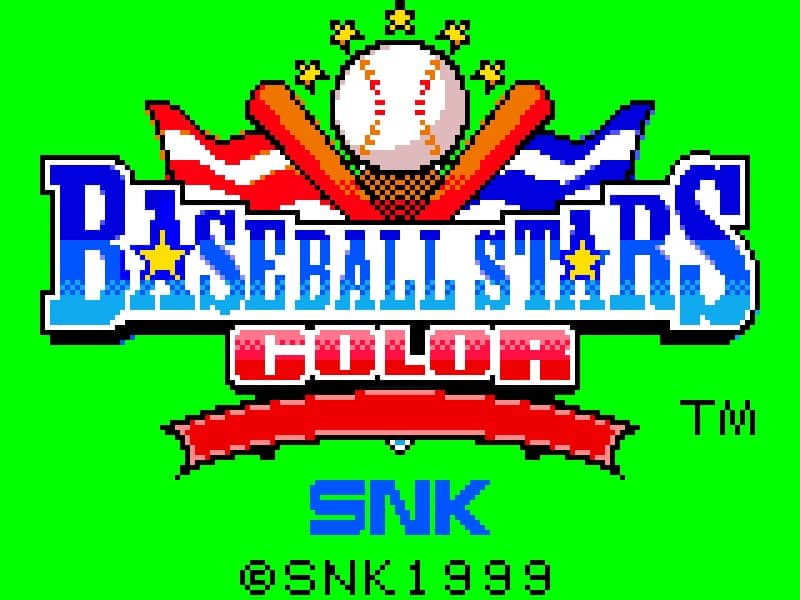
The core objective of Baseball Stars Color is to lead your baseball team to victory by scoring more runs than the opposing team over nine innings. During your turn at bat, you control the batter and must time your swing to hit the pitches thrown by the opponent's pitcher. You can aim your hits using the directional pad to try for singles, doubles, or home runs. When fielding, you control the pitcher to select pitch types and aim, or you take control of fielders to catch fly balls, field grounders, and make throws to bases for outs. A key beginner strategy is to carefully manage your pitcher's stamina and mix up pitch types to keep the batter guessing. In the early game, focus on getting runners on base and learning the opposing pitcher's patterns. As the game progresses into the middle innings, strategic substitutions and defensive positioning become crucial. During tense late-game moments, concentrate on making solid contact at the plate and executing precise throws in the field to secure the win.
游戏信息
在线玩 Baseball Stars Color - Neo Geo Pocket Color 游戏常见问题
可以免费在线玩 Baseball Stars Color 吗?
可以。你可以在 GGEMU 上直接通过浏览器免费在线玩 Baseball Stars Color,无需下载。
可以在手机上玩 Baseball Stars Color 吗?
可以。你可以通过 GGEMU 在手机等移动设备或电脑浏览器上玩 Baseball Stars Color。
玩 Baseball Stars Color 可以保存进度吗?
可以。Baseball Stars Color 支持 GGEMU 本地即时存档;GGEMU Premium 会员还可以使用云存档。
玩 Baseball Stars Color 需要安装模拟器或准备专用硬件吗?
不需要。GGEMU 会直接在浏览器中运行 Baseball Stars Color,无需原装 Neo Geo Pocket Color 硬件,也不用另外安装模拟器。
可以全屏玩 Baseball Stars Color 吗?
可以。Baseball Stars Color 在 GGEMU 上支持全屏模式,游玩时更具沉浸感。
可以用游戏手柄玩 Baseball Stars Color 吗?
可以。连接兼容的游戏手柄后,即可在 GGEMU 上用手柄玩 Baseball Stars Color。