So spielt man
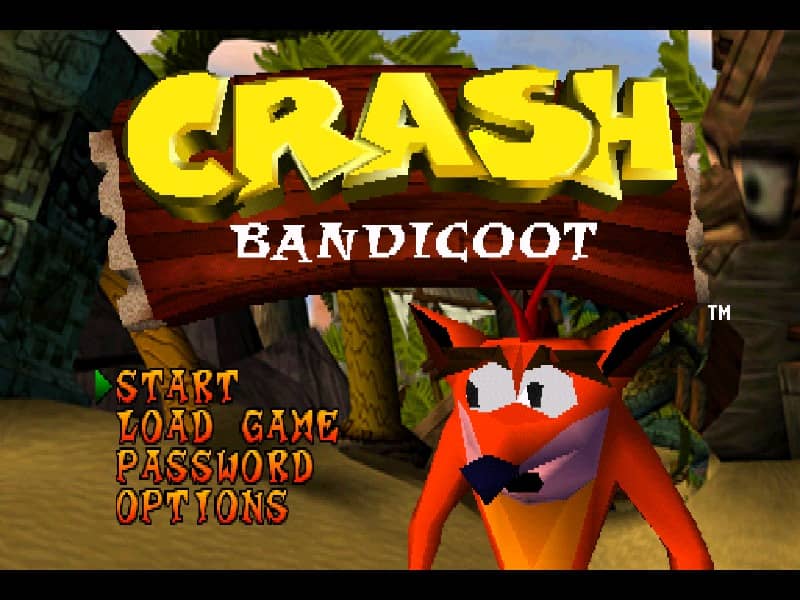
Your goal is to guide Crash through a series of linear levels, collecting Wumpa Fruit, breaking crates, and avoiding enemies to reach the exit. You'll run, jump, spin-attack foes, and perform body slams to progress. Each level is filled with obstacles, hidden paths, and multiple crate types—some contain extra lives or protective Aku Aku masks. Focus on learning enemy patterns and mastering the timing of your jumps, especially for bouncing off turtles or navigating narrow platforms. In the early stages, prioritize collecting as many crates as possible to build up lives. As you advance, levels become more complex with moving platforms, slippery ice physics, and riding animals like a polar bear. Tense moments often involve precise platforming over bottomless pits or escaping timed hazards. A key strategy is to memorize crate locations and use Aku Aku masks for temporary invincibility during tough sections.
Spielinformationen
Crash Bandicoot 2: Cortex Strikes Back online spielen – PlayStation 1 FAQ
Kann ich Crash Bandicoot 2: Cortex Strikes Back kostenlos online spielen?
Ja. Du kannst Crash Bandicoot 2: Cortex Strikes Back auf GGEMU kostenlos online im Browser spielen, ganz ohne Download.
Kann ich Crash Bandicoot 2: Cortex Strikes Back auf dem Handy spielen?
Ja. Du kannst Crash Bandicoot 2: Cortex Strikes Back über GGEMU sowohl auf Mobilgeräten als auch in Desktop-Browsern spielen.
Kann ich meinen Spielstand in Crash Bandicoot 2: Cortex Strikes Back speichern?
Ja. Crash Bandicoot 2: Cortex Strikes Back unterstützt lokale Speicherstände auf GGEMU. Mitglieder von GGEMU Premium können Spielstände außerdem in der Cloud speichern.
Brauche ich einen Emulator oder spezielle Hardware, um Crash Bandicoot 2: Cortex Strikes Back zu spielen?
Nein. GGEMU führt Crash Bandicoot 2: Cortex Strikes Back in deinem Browser aus, sodass du weder originale PlayStation 1-Hardware noch einen separaten Emulator benötigst.
Kann ich Crash Bandicoot 2: Cortex Strikes Back im Vollbildmodus spielen?
Ja. Crash Bandicoot 2: Cortex Strikes Back unterstützt auf GGEMU den Vollbildmodus für ein intensiveres Spielerlebnis.
Kann ich Crash Bandicoot 2: Cortex Strikes Back mit einem Gamepad oder Controller spielen?
Ja. Wenn ein kompatibler Controller angeschlossen ist, kannst du Crash Bandicoot 2: Cortex Strikes Back auf GGEMU mit dem Gamepad steuern.