Comment jouer
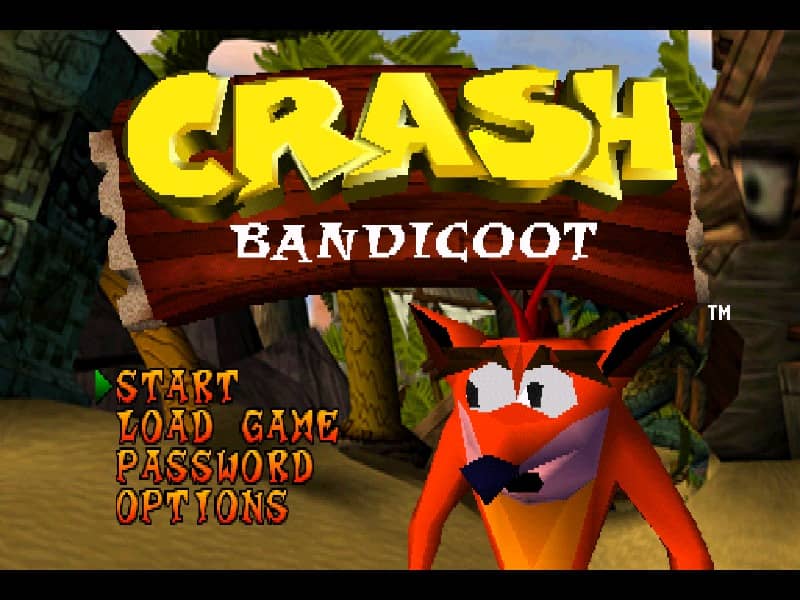
Your goal is to guide Crash through a series of linear levels, collecting Wumpa Fruit, breaking crates, and avoiding enemies to reach the exit. You'll run, jump, spin-attack foes, and perform body slams to progress. Each level is filled with obstacles, hidden paths, and multiple crate types—some contain extra lives or protective Aku Aku masks. Focus on learning enemy patterns and mastering the timing of your jumps, especially for bouncing off turtles or navigating narrow platforms. In the early stages, prioritize collecting as many crates as possible to build up lives. As you advance, levels become more complex with moving platforms, slippery ice physics, and riding animals like a polar bear. Tense moments often involve precise platforming over bottomless pits or escaping timed hazards. A key strategy is to memorize crate locations and use Aku Aku masks for temporary invincibility during tough sections.
Informations sur le jeu
Jouer à Crash Bandicoot 2: Cortex Strikes Back en ligne – FAQ PlayStation 1
Puis-je jouer gratuitement à Crash Bandicoot 2: Cortex Strikes Back en ligne ?
Oui. Vous pouvez jouer gratuitement à Crash Bandicoot 2: Cortex Strikes Back en ligne dans votre navigateur sur GGEMU, sans téléchargement.
Puis-je jouer à Crash Bandicoot 2: Cortex Strikes Back sur mobile ?
Oui. Vous pouvez jouer à Crash Bandicoot 2: Cortex Strikes Back avec GGEMU sur mobile comme dans un navigateur sur ordinateur.
Puis-je sauvegarder ma progression dans Crash Bandicoot 2: Cortex Strikes Back ?
Oui. Crash Bandicoot 2: Cortex Strikes Back prend en charge les sauvegardes instantanées locales sur GGEMU. Les membres GGEMU Premium peuvent également sauvegarder dans le cloud.
Faut-il un émulateur ou du matériel spécial pour jouer à Crash Bandicoot 2: Cortex Strikes Back ?
Non. GGEMU exécute Crash Bandicoot 2: Cortex Strikes Back dans votre navigateur : vous n'avez besoin ni du matériel PlayStation 1 d'origine ni d'un émulateur séparé.
Puis-je jouer à Crash Bandicoot 2: Cortex Strikes Back en plein écran ?
Oui. Crash Bandicoot 2: Cortex Strikes Back prend en charge le mode plein écran sur GGEMU pour une expérience plus immersive.
Puis-je jouer à Crash Bandicoot 2: Cortex Strikes Back avec une manette ?
Oui. Vous pouvez jouer à Crash Bandicoot 2: Cortex Strikes Back avec une manette sur GGEMU lorsqu'un modèle compatible est connecté.