遊び方
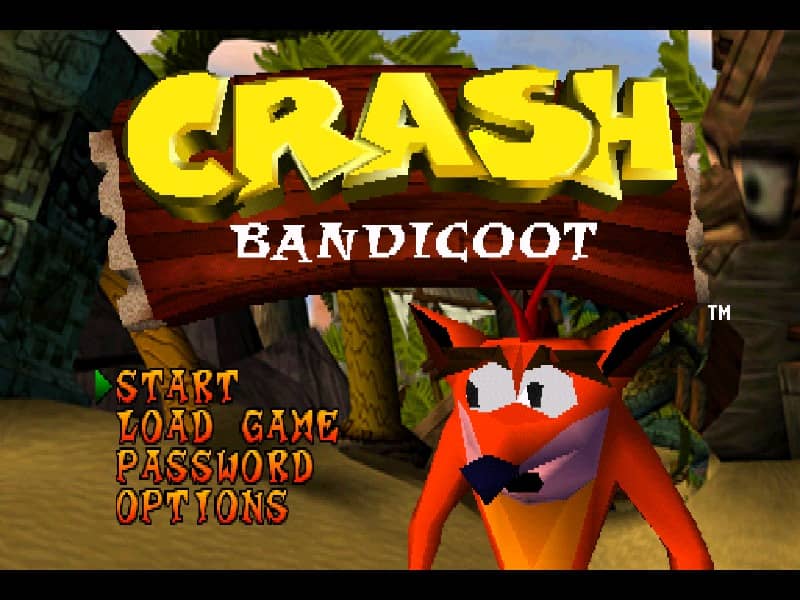
Your goal is to guide Crash through a series of linear levels, collecting Wumpa Fruit, breaking crates, and avoiding enemies to reach the exit. You'll run, jump, spin-attack foes, and perform body slams to progress. Each level is filled with obstacles, hidden paths, and multiple crate types—some contain extra lives or protective Aku Aku masks. Focus on learning enemy patterns and mastering the timing of your jumps, especially for bouncing off turtles or navigating narrow platforms. In the early stages, prioritize collecting as many crates as possible to build up lives. As you advance, levels become more complex with moving platforms, slippery ice physics, and riding animals like a polar bear. Tense moments often involve precise platforming over bottomless pits or escaping timed hazards. A key strategy is to memorize crate locations and use Aku Aku masks for temporary invincibility during tough sections.
ゲーム情報
Crash Bandicoot 2: Cortex Strikes Backをオンラインでプレイ – PlayStation 1版のよくある質問
Crash Bandicoot 2: Cortex Strikes Backは無料でオンラインプレイできますか?
はい。ダウンロード不要で、GGEMUのブラウザ上からCrash Bandicoot 2: Cortex Strikes Backを無料でオンラインプレイできます。
Crash Bandicoot 2: Cortex Strikes Backはスマートフォンで遊べますか?
はい。GGEMUなら、スマートフォンなどのモバイル端末でもパソコンのブラウザでもCrash Bandicoot 2: Cortex Strikes Backをプレイできます。
Crash Bandicoot 2: Cortex Strikes Backの進行状況を保存できますか?
はい。Crash Bandicoot 2: Cortex Strikes BackはGGEMUのローカルセーブステートに対応しています。GGEMU Premium会員はクラウドセーブも利用できます。
Crash Bandicoot 2: Cortex Strikes Backを遊ぶにはエミュレーターや専用ハードが必要ですか?
いいえ。GGEMUがブラウザ上でCrash Bandicoot 2: Cortex Strikes Backを動かすため、PlayStation 1の実機や別のエミュレーターは必要ありません。
Crash Bandicoot 2: Cortex Strikes Backはフルスクリーンで遊べますか?
はい。Crash Bandicoot 2: Cortex Strikes BackはGGEMUのフルスクリーンモードに対応しており、より没入感のあるプレイを楽しめます。
Crash Bandicoot 2: Cortex Strikes Backはゲームパッドやコントローラーで遊べますか?
はい。対応コントローラーを接続すれば、GGEMUでCrash Bandicoot 2: Cortex Strikes Backをゲームパッド操作できます。