Hochgeladen von 大帅
So spielt man
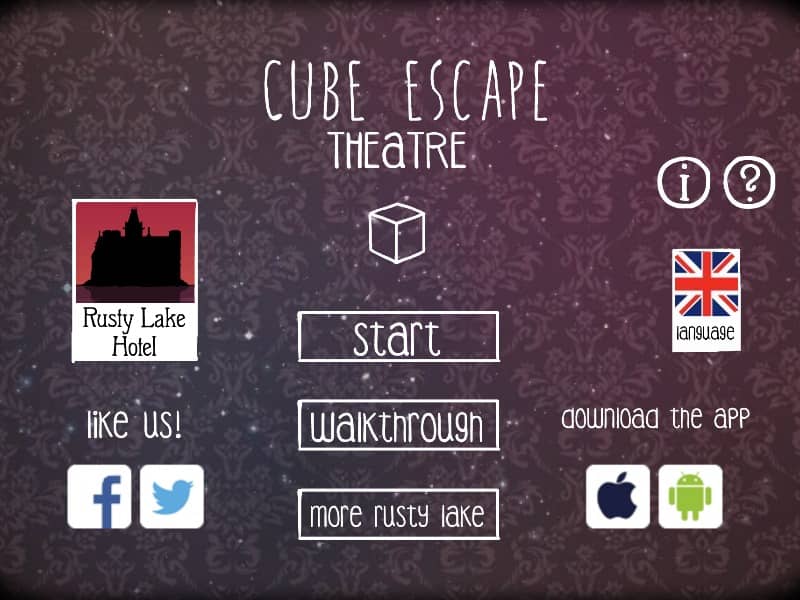
To navigate the surreal environment of the theater, use your mouse to click on the edges of the screen to turn around or zoom in on specific objects. Your primary objective is to interact with the patrons and the stage performances to uncover memories and progress the narrative. Clicking on items adds them to your inventory sidebar; to use an item, select it from the list and then click on a point of interest within the room. Observe the plays closely, as each performance contains cryptic clues that dictate how you must manipulate the theater’s machinery or serve the guests their requested drinks. In the early moments, focus on gathering components like the screwdriver or matches and solving the initial drink mixing puzzle. As the mystery deepens, the rhythm shifts to more complex logical deductions based on the symbolic stage plays. Middle-game play requires careful attention to the sequence of events on stage, as the solutions are rarely literal and often involve abstract connections between the actors and the items you possess. During the tense final segments, stay focused on the changing environment and the shifting states of the characters, as the puzzles become faster-paced and lead toward the game's unsettling conclusion.
Spielinformationen
Cube Escape: Theatre online spielen – FLASH FAQ
Kann ich Cube Escape: Theatre kostenlos online spielen?
Ja. Du kannst Cube Escape: Theatre auf GGEMU kostenlos online im Browser spielen, ganz ohne Download.
Kann ich Cube Escape: Theatre auf dem Handy spielen?
Ja. Du kannst Cube Escape: Theatre über GGEMU sowohl auf Mobilgeräten als auch in Desktop-Browsern spielen.
Kann ich meinen Spielstand in Cube Escape: Theatre speichern?
Cube Escape: Theatre unterstützt derzeit keine GGEMU-Speicherstände. Falls das Spiel eine eigene Speicherfunktion bietet, kannst du diese verwenden.
Brauche ich einen Emulator oder spezielle Hardware, um Cube Escape: Theatre zu spielen?
Nein. Cube Escape: Theatre läuft auf GGEMU direkt in deinem Browser, ohne zusätzliche Hard- oder Software.
Kann ich Cube Escape: Theatre im Vollbildmodus spielen?
Ja. Cube Escape: Theatre unterstützt auf GGEMU den Vollbildmodus für ein intensiveres Spielerlebnis.
Kann ich Cube Escape: Theatre mit einem Gamepad oder Controller spielen?
Ja. Wenn ein kompatibler Controller angeschlossen ist, kannst du Cube Escape: Theatre auf GGEMU mit dem Gamepad steuern.