Mis en ligne par 大帅
Comment jouer
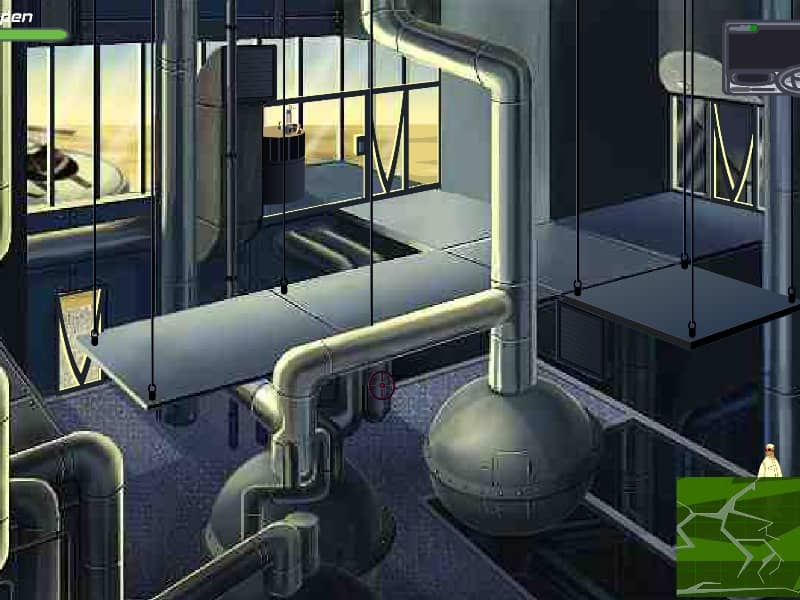
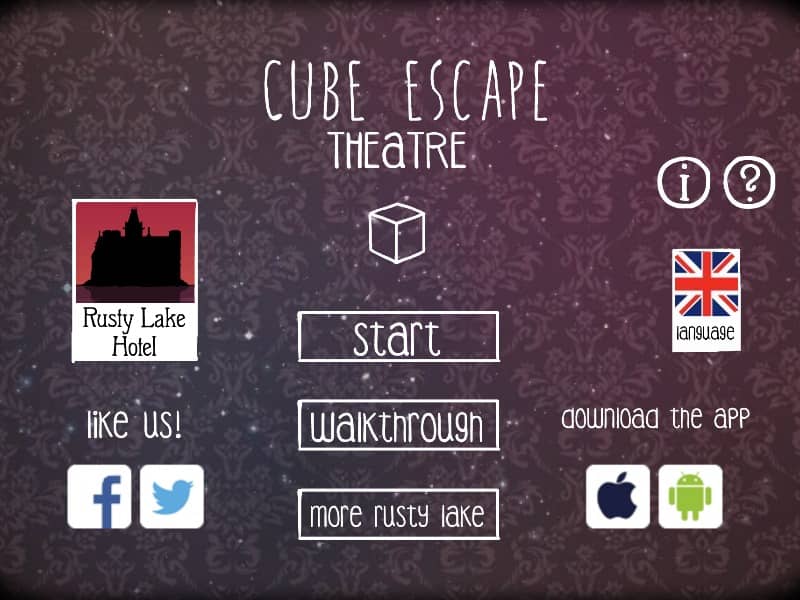
To navigate the surreal environment of the theater, use your mouse to click on the edges of the screen to turn around or zoom in on specific objects. Your primary objective is to interact with the patrons and the stage performances to uncover memories and progress the narrative. Clicking on items adds them to your inventory sidebar; to use an item, select it from the list and then click on a point of interest within the room. Observe the plays closely, as each performance contains cryptic clues that dictate how you must manipulate the theater’s machinery or serve the guests their requested drinks. In the early moments, focus on gathering components like the screwdriver or matches and solving the initial drink mixing puzzle. As the mystery deepens, the rhythm shifts to more complex logical deductions based on the symbolic stage plays. Middle-game play requires careful attention to the sequence of events on stage, as the solutions are rarely literal and often involve abstract connections between the actors and the items you possess. During the tense final segments, stay focused on the changing environment and the shifting states of the characters, as the puzzles become faster-paced and lead toward the game's unsettling conclusion.
Informations sur le jeu
Jouer à Cube Escape: Theatre en ligne – FAQ FLASH
Puis-je jouer gratuitement à Cube Escape: Theatre en ligne ?
Oui. Vous pouvez jouer gratuitement à Cube Escape: Theatre en ligne dans votre navigateur sur GGEMU, sans téléchargement.
Puis-je jouer à Cube Escape: Theatre sur mobile ?
Oui. Vous pouvez jouer à Cube Escape: Theatre avec GGEMU sur mobile comme dans un navigateur sur ordinateur.
Puis-je sauvegarder ma progression dans Cube Escape: Theatre ?
Cube Escape: Theatre ne prend pas encore en charge les sauvegardes instantanées de GGEMU. Si le jeu possède sa propre fonction de sauvegarde, vous pouvez l'utiliser.
Faut-il un émulateur ou du matériel spécial pour jouer à Cube Escape: Theatre ?
Non. Cube Escape: Theatre fonctionne directement dans votre navigateur sur GGEMU, sans matériel ni logiciel supplémentaire.
Puis-je jouer à Cube Escape: Theatre en plein écran ?
Oui. Cube Escape: Theatre prend en charge le mode plein écran sur GGEMU pour une expérience plus immersive.
Puis-je jouer à Cube Escape: Theatre avec une manette ?
Oui. Vous pouvez jouer à Cube Escape: Theatre avec une manette sur GGEMU lorsqu'un modèle compatible est connecté.