Загрузил 大帅
Как играть
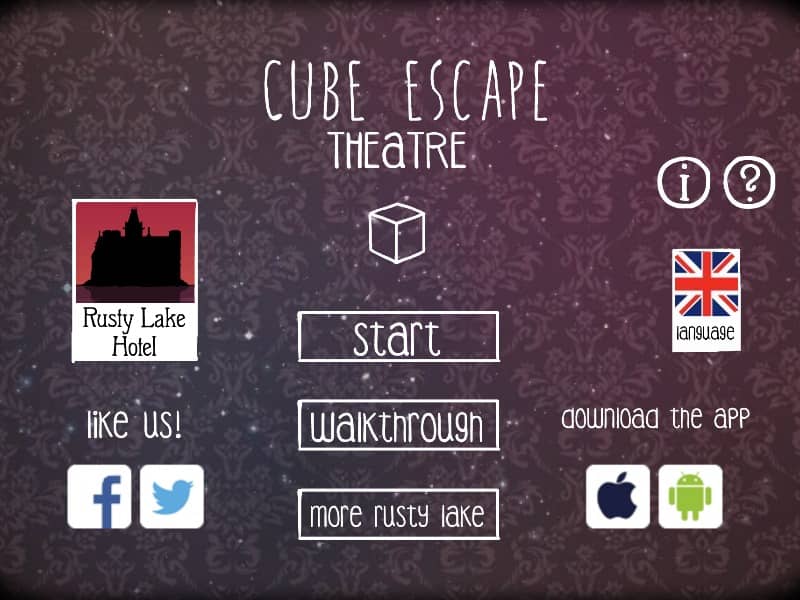
To navigate the surreal environment of the theater, use your mouse to click on the edges of the screen to turn around or zoom in on specific objects. Your primary objective is to interact with the patrons and the stage performances to uncover memories and progress the narrative. Clicking on items adds them to your inventory sidebar; to use an item, select it from the list and then click on a point of interest within the room. Observe the plays closely, as each performance contains cryptic clues that dictate how you must manipulate the theater’s machinery or serve the guests their requested drinks. In the early moments, focus on gathering components like the screwdriver or matches and solving the initial drink mixing puzzle. As the mystery deepens, the rhythm shifts to more complex logical deductions based on the symbolic stage plays. Middle-game play requires careful attention to the sequence of events on stage, as the solutions are rarely literal and often involve abstract connections between the actors and the items you possess. During the tense final segments, stay focused on the changing environment and the shifting states of the characters, as the puzzles become faster-paced and lead toward the game's unsettling conclusion.
Информация об игре
Играть в Cube Escape: Theatre онлайн — вопросы и ответы о версии для FLASH
Можно ли бесплатно играть в Cube Escape: Theatre онлайн?
Да. В Cube Escape: Theatre можно бесплатно играть онлайн прямо в браузере на GGEMU, ничего не скачивая.
Можно ли играть в Cube Escape: Theatre на телефоне?
Да. Через GGEMU в Cube Escape: Theatre можно играть как на мобильных устройствах, так и в браузерах на компьютере.
Можно ли сохранить прогресс в Cube Escape: Theatre?
Cube Escape: Theatre пока не поддерживает быстрые сохранения GGEMU. Если в игре есть собственная функция сохранения, можно воспользоваться ею.
Нужен ли эмулятор или специальное оборудование, чтобы играть в Cube Escape: Theatre?
Нет. Cube Escape: Theatre запускается прямо в браузере на GGEMU без дополнительного оборудования и программ.
Можно ли играть в Cube Escape: Theatre в полноэкранном режиме?
Да. Cube Escape: Theatre поддерживает полноэкранный режим на GGEMU для более полного погружения в игру.
Можно ли играть в Cube Escape: Theatre с геймпадом или контроллером?
Да. Если подключить совместимый контроллер, в Cube Escape: Theatre на GGEMU можно играть с геймпадом.