How to play
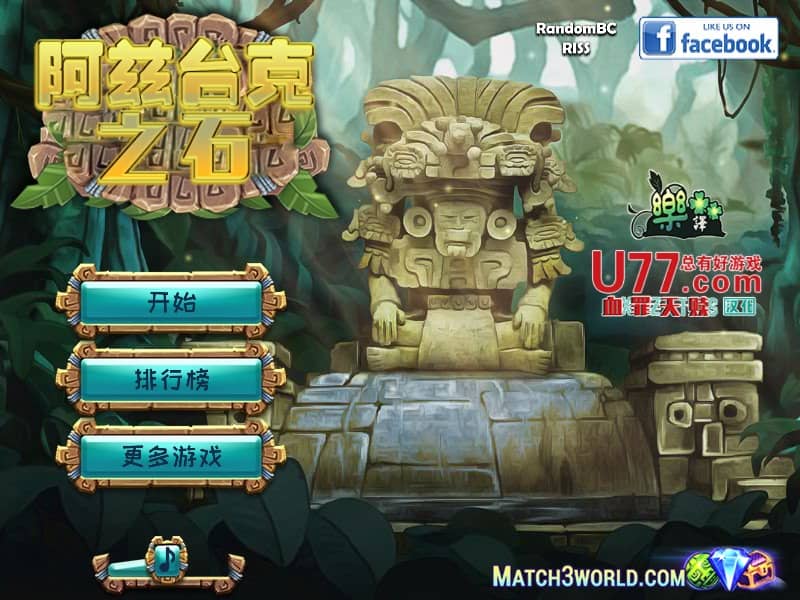
In Aztec Stones, your objective is to rotate groups of colored stones to match patterns and clear them from the board. Each level presents a grid filled with stone tiles featuring various Aztec-inspired symbols and colors. You select groups of adjacent stones and rotate them clockwise or counterclockwise to align matching symbols horizontally or vertically. When three or more identical stones connect, they disappear from the board, and new stones fall into place. Early levels focus on teaching the rotation mechanics and basic pattern recognition. As you advance, the puzzles become more complex with larger grids, more stone types, and obstacles that require strategic planning. The challenge rhythm involves analyzing the board for optimal rotation sequences that create chain reactions and maximize your score. During tense moments when the board fills up, focus on creating matches near the top to prevent gridlock and maintain your progress through the ancient temple-themed stages.
Information
Play Aztec Stones Online - FLASH FAQ
Can I play Aztec Stones online for free?
Yes. You can play Aztec Stones online for free in your browser on GGEMU, with no download required.
Can I play Aztec Stones on mobile?
Yes. You can play Aztec Stones on mobile devices and desktop browsers through GGEMU.
Can I save my progress in Aztec Stones?
Aztec Stones does not currently support GGEMU save states. If the game includes its own save feature, you can use that instead.
Do I need an emulator or special hardware to play Aztec Stones?
No. Aztec Stones runs directly in your browser on GGEMU, with no extra hardware or software required.
Can I play Aztec Stones in fullscreen mode?
Yes. Aztec Stones supports fullscreen mode on GGEMU for a more immersive experience.
Can I play Aztec Stones with a gamepad or controller?
Yes. Aztec Stones supports gamepad controls on GGEMU when a compatible controller is connected.