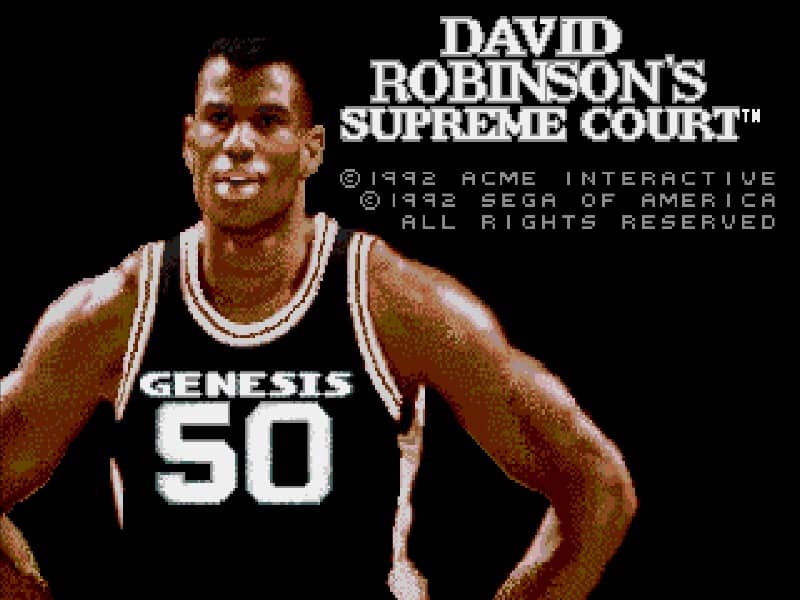
How to play
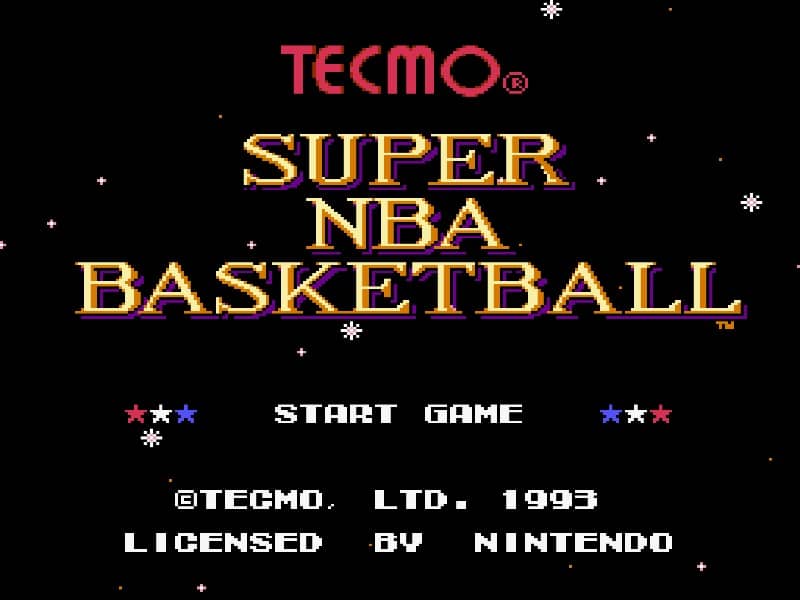
The core objective is to outscore your opponent by shooting the basketball into the hoop. You control one player at a time on the court, with the ability to pass, shoot, and steal the ball. On offense, use the D-pad to move your player and the buttons to perform actions like passing to an open teammate or attempting a jump shot. On defense, position your player to block shots or intercept passes. A useful beginner strategy is to focus on passing the ball frequently to find an open player near the basket for an easy score, rather than taking difficult long-range shots. The challenge rhythm involves fast breaks after securing a rebound and setting up plays in the half-court. In the early part of the game, focus on learning the controls and player movement. During the middle of a match, pay attention to the shot clock and manage your substitutions to keep players fresh. In tense final moments, protect your lead by using strategic timeouts and playing tight defense to prevent the opponent from scoring.
Information
Play David Robinsons Supreme Court Online - Genesis FAQ
Can I play David Robinsons Supreme Court online for free?
Yes. You can play David Robinsons Supreme Court online for free in your browser on GGEMU, with no download required.
Can I play David Robinsons Supreme Court on mobile?
Yes. You can play David Robinsons Supreme Court on mobile devices and desktop browsers through GGEMU.
Can I save my progress in David Robinsons Supreme Court?
Yes. David Robinsons Supreme Court supports local save states on GGEMU. Cloud saves are also available to GGEMU Premium members.
Do I need an emulator or special hardware to play David Robinsons Supreme Court?
No. GGEMU runs David Robinsons Supreme Court in your browser, so you do not need original Genesis hardware or a separate emulator.
Can I play David Robinsons Supreme Court in fullscreen mode?
Yes. David Robinsons Supreme Court supports fullscreen mode on GGEMU for a more immersive experience.
Can I play David Robinsons Supreme Court with a gamepad or controller?
Yes. David Robinsons Supreme Court supports gamepad controls on GGEMU when a compatible controller is connected.