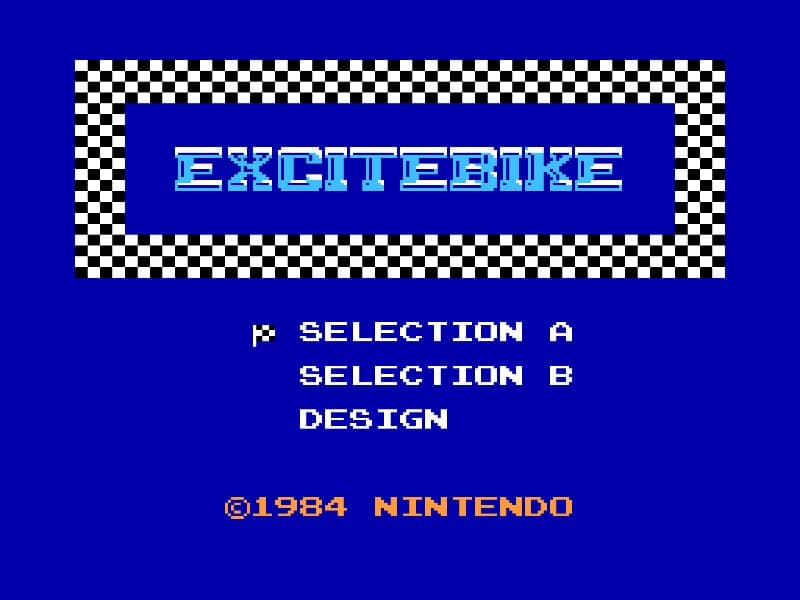
How to play
In Excitebike, your goal is to finish each race in the fastest time possible while avoiding crashes and overheating your engine. You control a motocross bike, using the D-pad to accelerate and brake, and the A button to make the bike lean forward for better traction or to perform mid-air adjustments during jumps. The track is filled with ramps and obstacles; timing your jumps is crucial to clear gaps and land smoothly. Your bike's engine temperature rises as you maintain high speeds, so you must periodically ease off the accelerator to cool it down, or risk stalling and losing precious seconds. In the early part of a race, focus on learning the track layout and identifying the best spots to accelerate and brake. As you progress, master the rhythm of jumping and cooling to maintain a consistent pace. During tense moments, such as close races or tricky obstacle sequences, prioritize smooth landings and temperature management over raw speed to avoid costly mistakes.
Information
Play Excitebike Online - Famicom FAQ
Can I play Excitebike online for free?
Yes. You can play Excitebike online for free in your browser on GGEMU, with no download required.
Can I play Excitebike on mobile?
Yes. You can play Excitebike on mobile devices and desktop browsers through GGEMU.
Can I save my progress in Excitebike?
Yes. Excitebike supports local save states on GGEMU. Cloud saves are also available to GGEMU Premium members.
Do I need an emulator or special hardware to play Excitebike?
No. GGEMU runs Excitebike in your browser, so you do not need original Famicom hardware or a separate emulator.
Can I play Excitebike in fullscreen mode?
Yes. Excitebike supports fullscreen mode on GGEMU for a more immersive experience.
Can I play Excitebike with a gamepad or controller?
Yes. Excitebike supports gamepad controls on GGEMU when a compatible controller is connected.