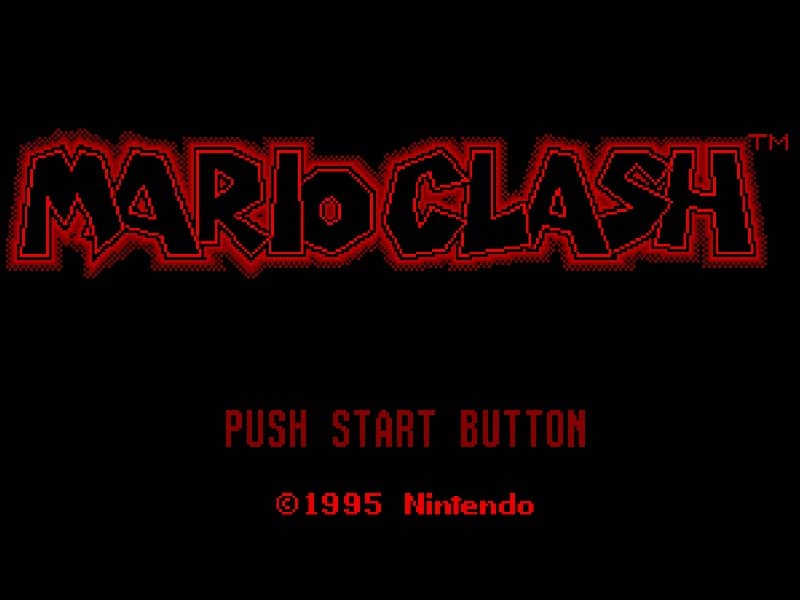
How to play
In Mario Clash, you control Mario as he ascends spiral towers across multiple floors. Your primary objective is to defeat all enemies on each stage to proceed. The core gameplay involves picking up Koopa shells that enemies drop and throwing them to hit other foes. You can throw shells straight ahead or at an upward angle to hit enemies on higher floors. Timing and positioning are crucial, as enemies approach from multiple directions and floors. A key strategy is to quickly grab shells and aim carefully, since missed throws leave you vulnerable. The challenge increases as you climb, with faster enemies and more complex tower layouts. Focus on clearing lower floors first to create safe space, then methodically work upward. In tense moments, prioritize dodging incoming attacks while lining up your next throw to maintain control of the stage.
Information
Play Mario Clash Online - Virtual Boy FAQ
Can I play Mario Clash online for free?
Yes. You can play Mario Clash online for free in your browser on GGEMU, with no download required.
Can I play Mario Clash on mobile?
Yes. You can play Mario Clash on mobile devices and desktop browsers through GGEMU.
Can I save my progress in Mario Clash?
Yes. Mario Clash supports local save states on GGEMU. Cloud saves are also available to GGEMU Premium members.
Do I need an emulator or special hardware to play Mario Clash?
No. GGEMU runs Mario Clash in your browser, so you do not need original Virtual Boy hardware or a separate emulator.
Can I play Mario Clash in fullscreen mode?
Yes. Mario Clash supports fullscreen mode on GGEMU for a more immersive experience.
Can I play Mario Clash with a gamepad or controller?
Yes. Mario Clash supports gamepad controls on GGEMU when a compatible controller is connected.